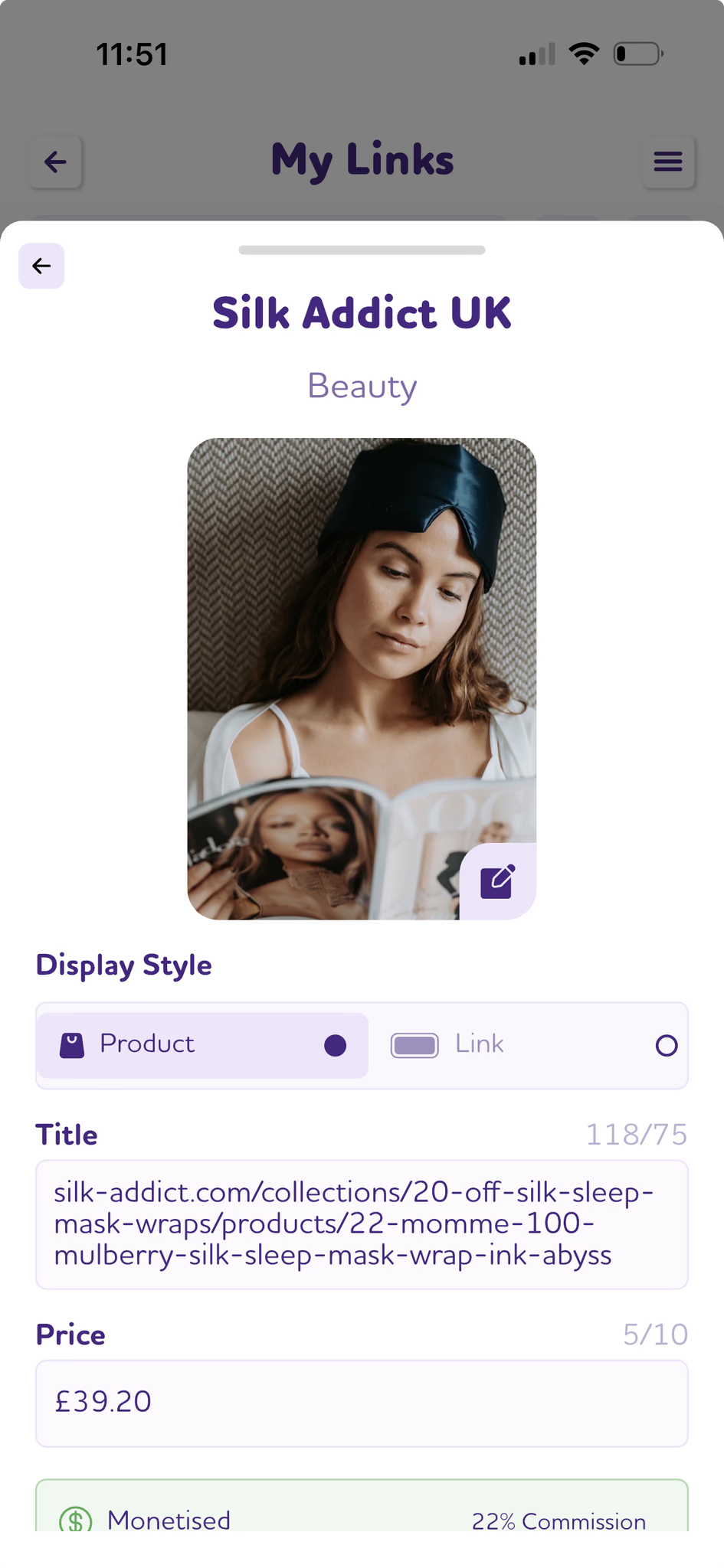
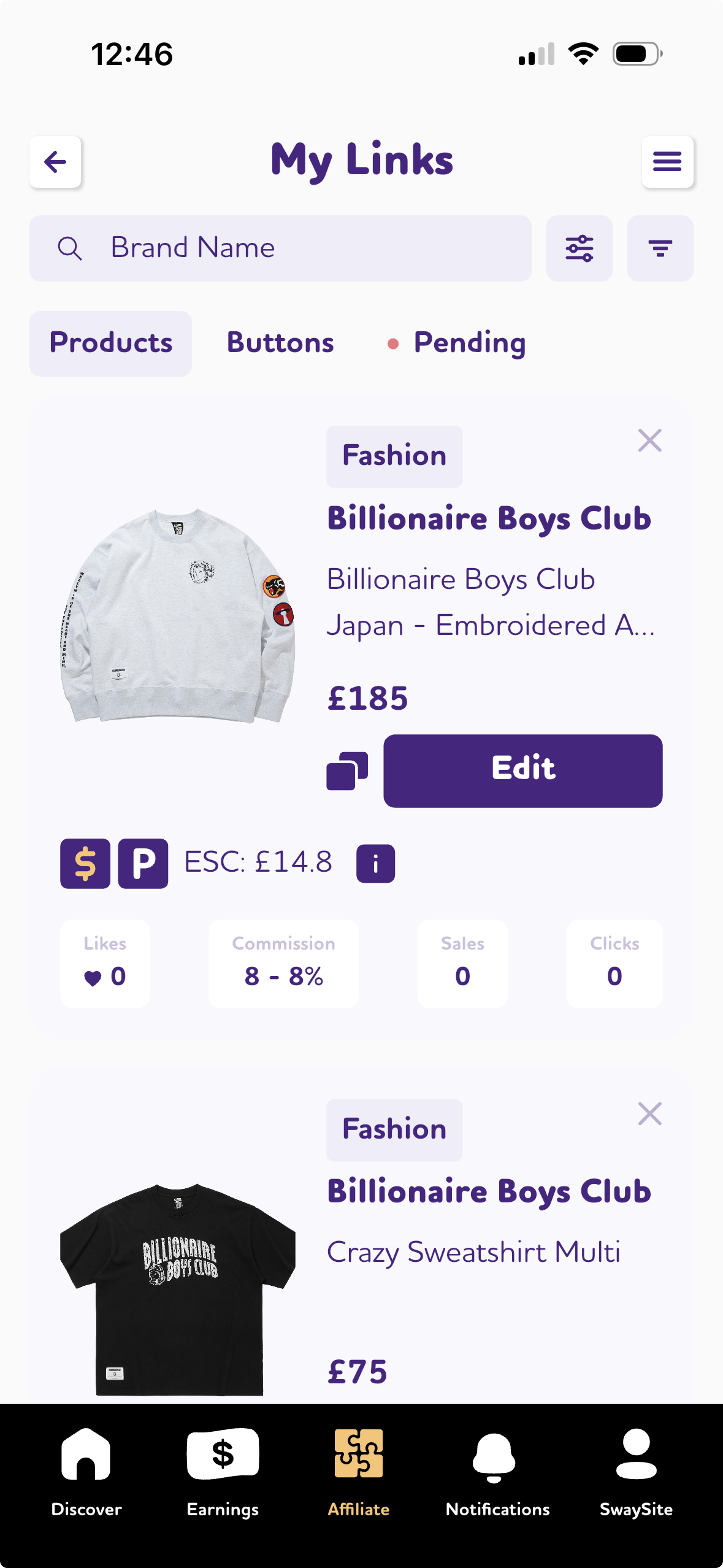
Managing affiliates just got easier. We’ve streamlined the user journey and added display style options — choose between Product or button for each affiliate link.
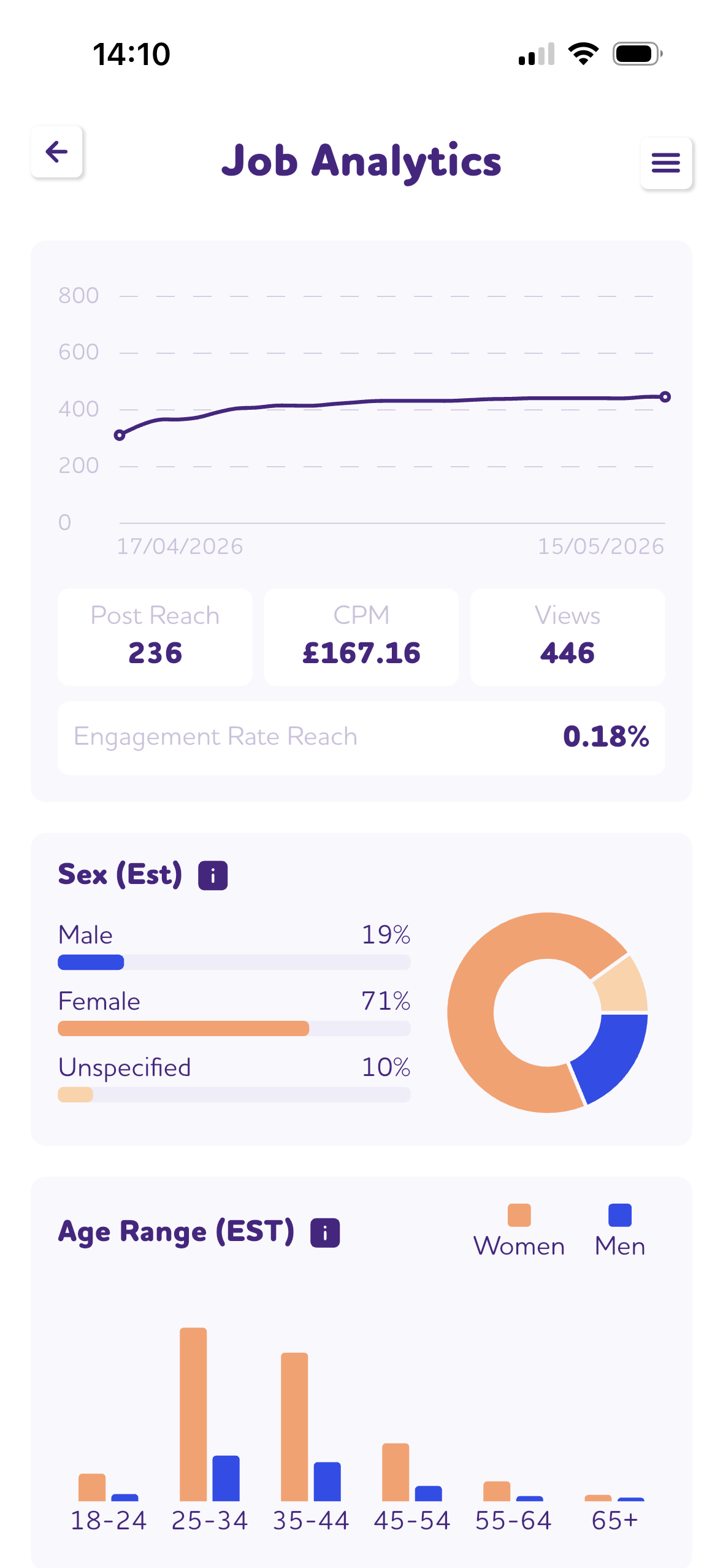
You can now view analytics and demographics for completed collaborations. See how well your post performed with a view to improving the next one.
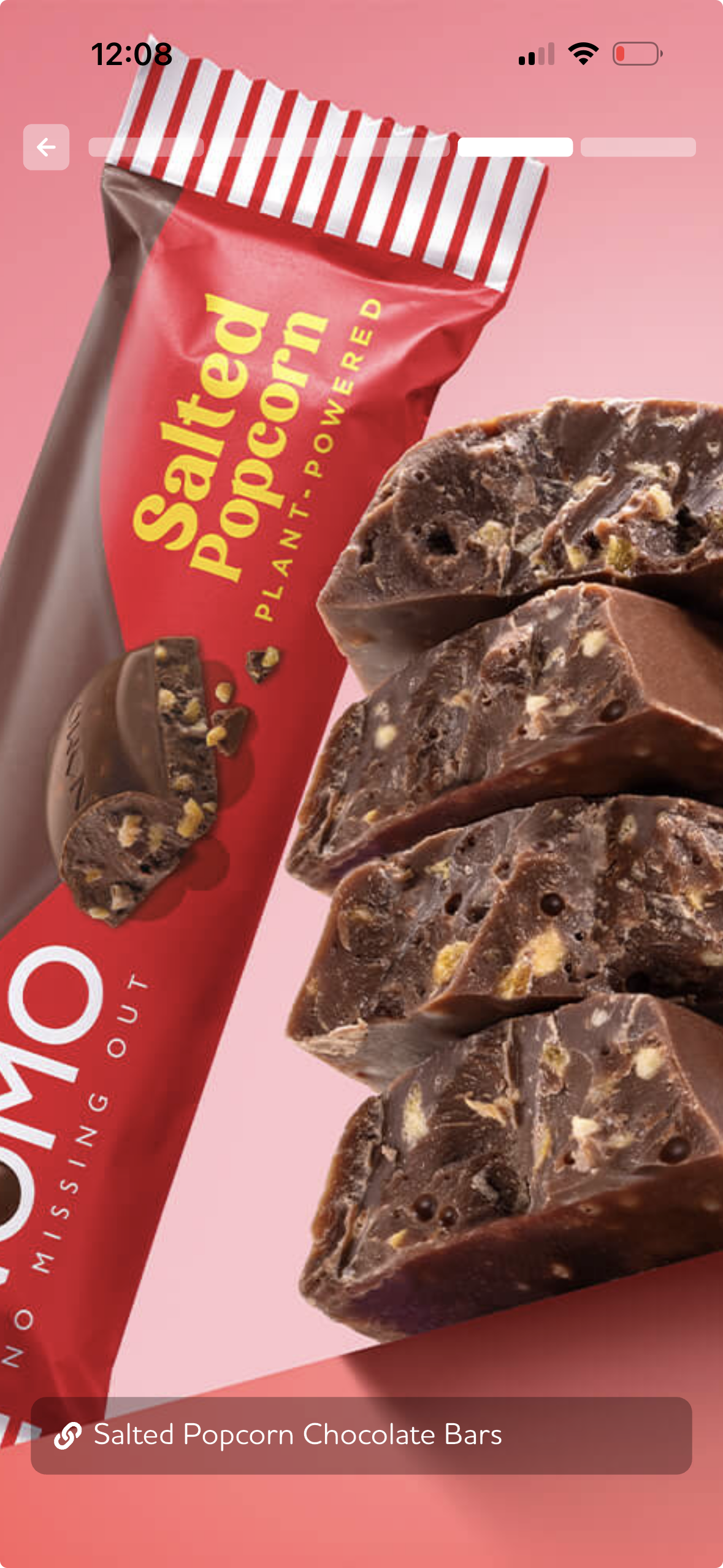
Make it easier for your followers to discover and shop your content. This new full-screen display lets them scroll through your posts and products in one seamless experience.
Get the tools you need at prices made for you. Brands can now present offers tailored specifically for influencer
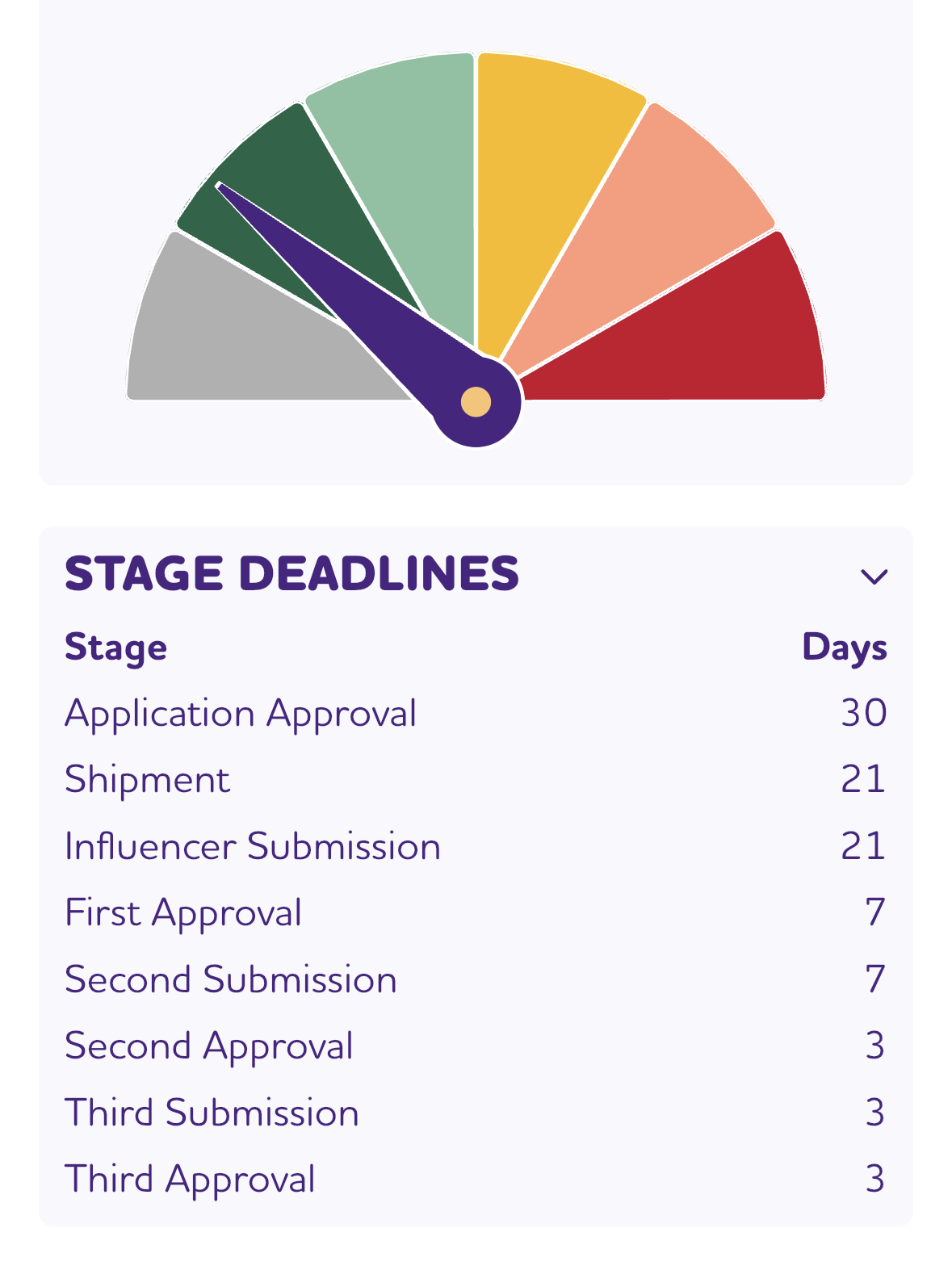
Campaigns can now be created with flexible stage deadlines — ideal for seasonal or time-sensitive product launches. Asking prices can be adjusted to match
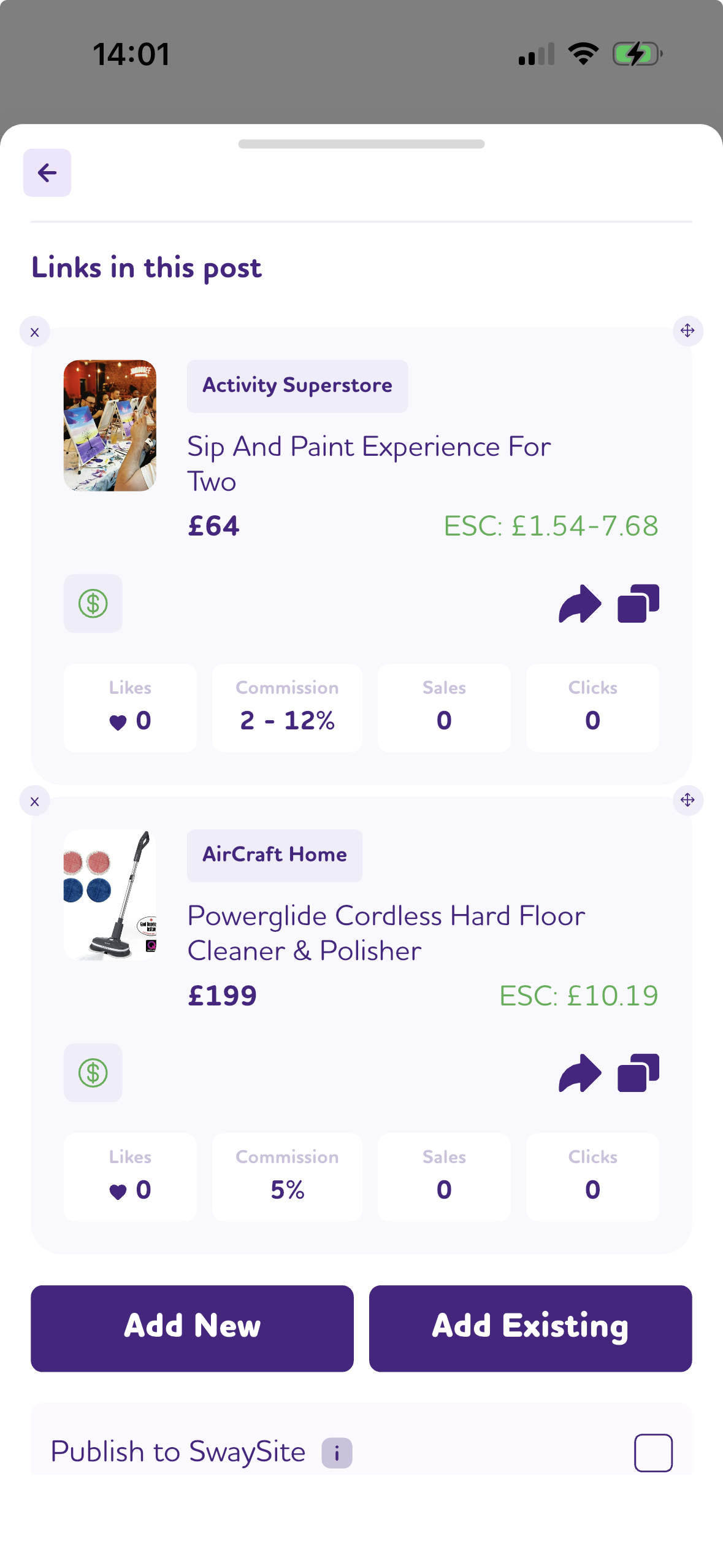
Adding products to a post just got faster. You can now create and add new affiliate links directly within the post creation flow — no separate step required.
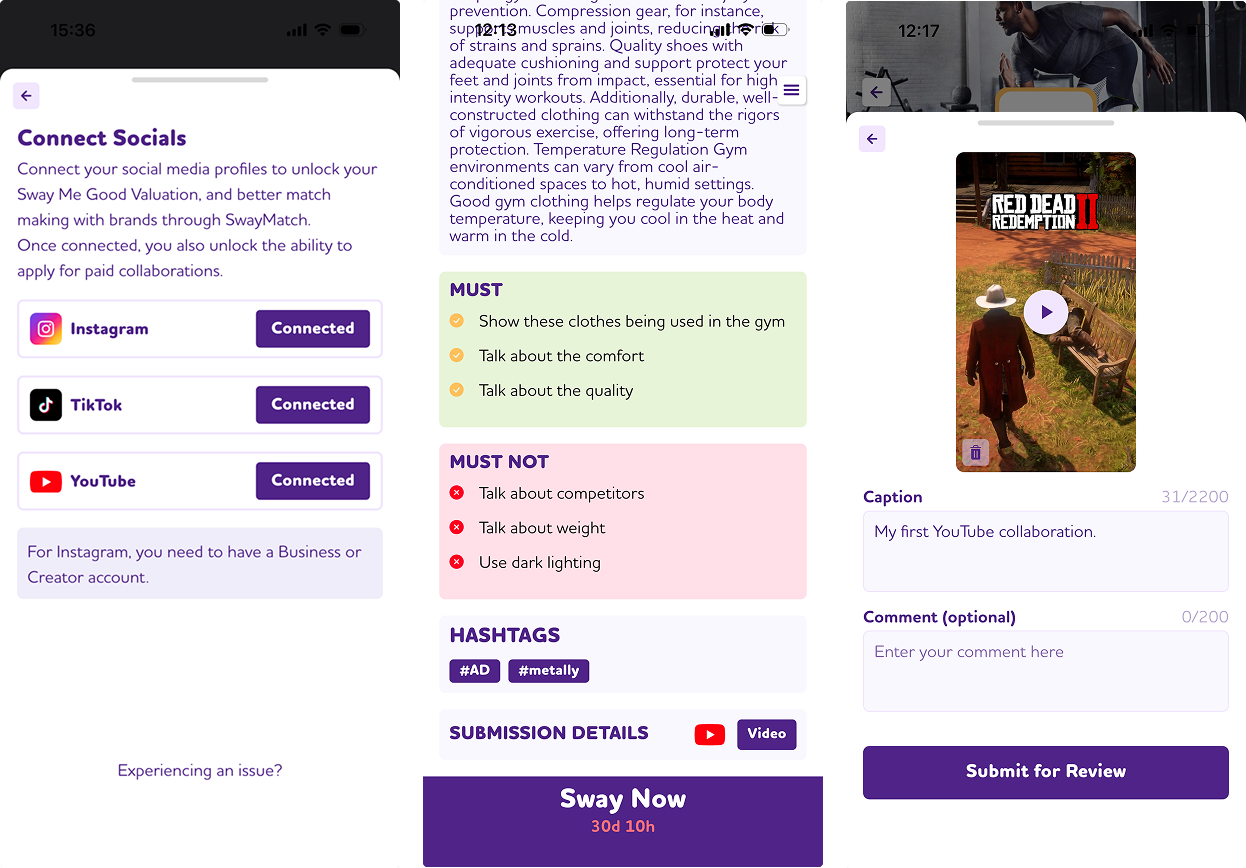
You can now connect to YouTube as an official social media channel; and apply to paid collaborations and gifting jobs that require YouTube as the social media channel.
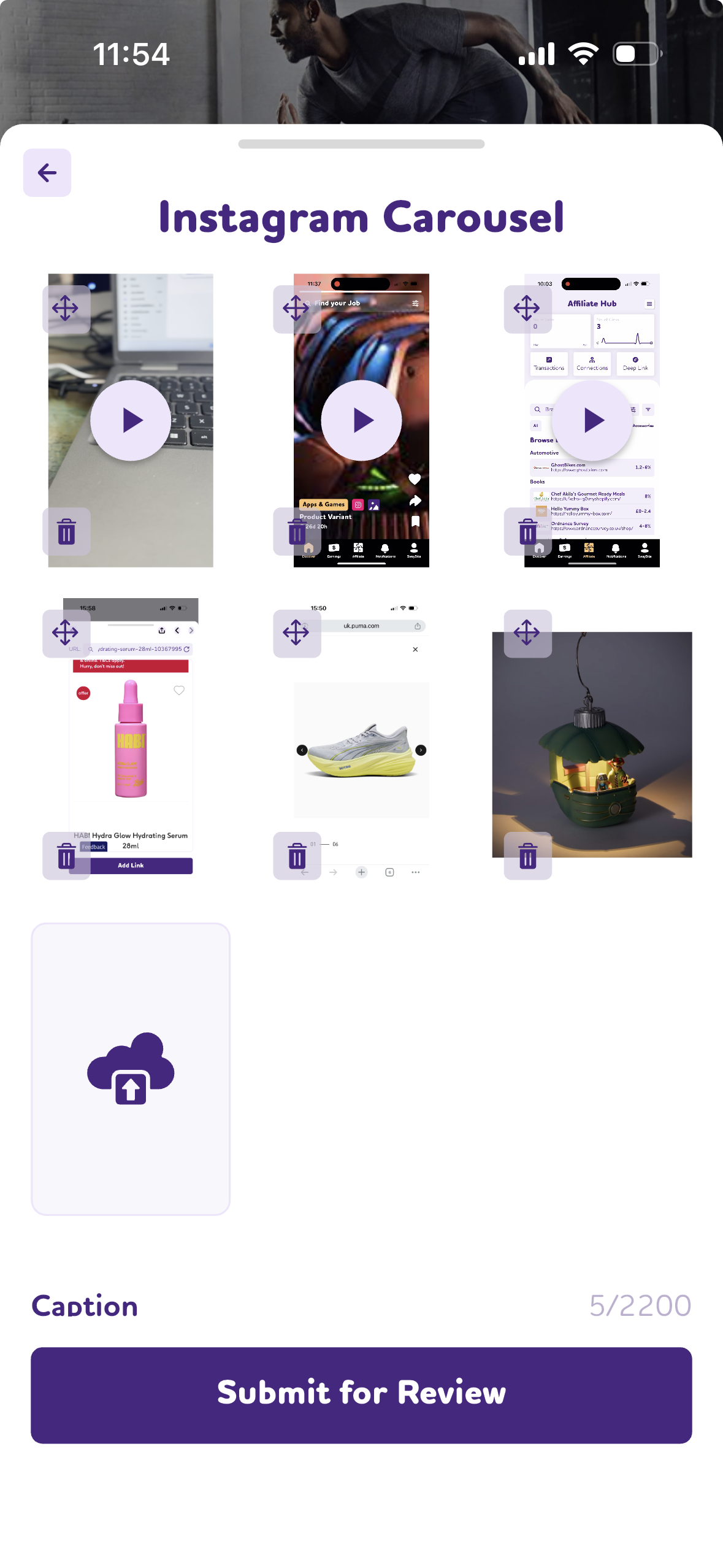
You can now apply for collaborations that require posting a carousel on your social media channel. On Instagram, carousels can include up to 20 images or videos, while on TikTok they can include up to 33 images
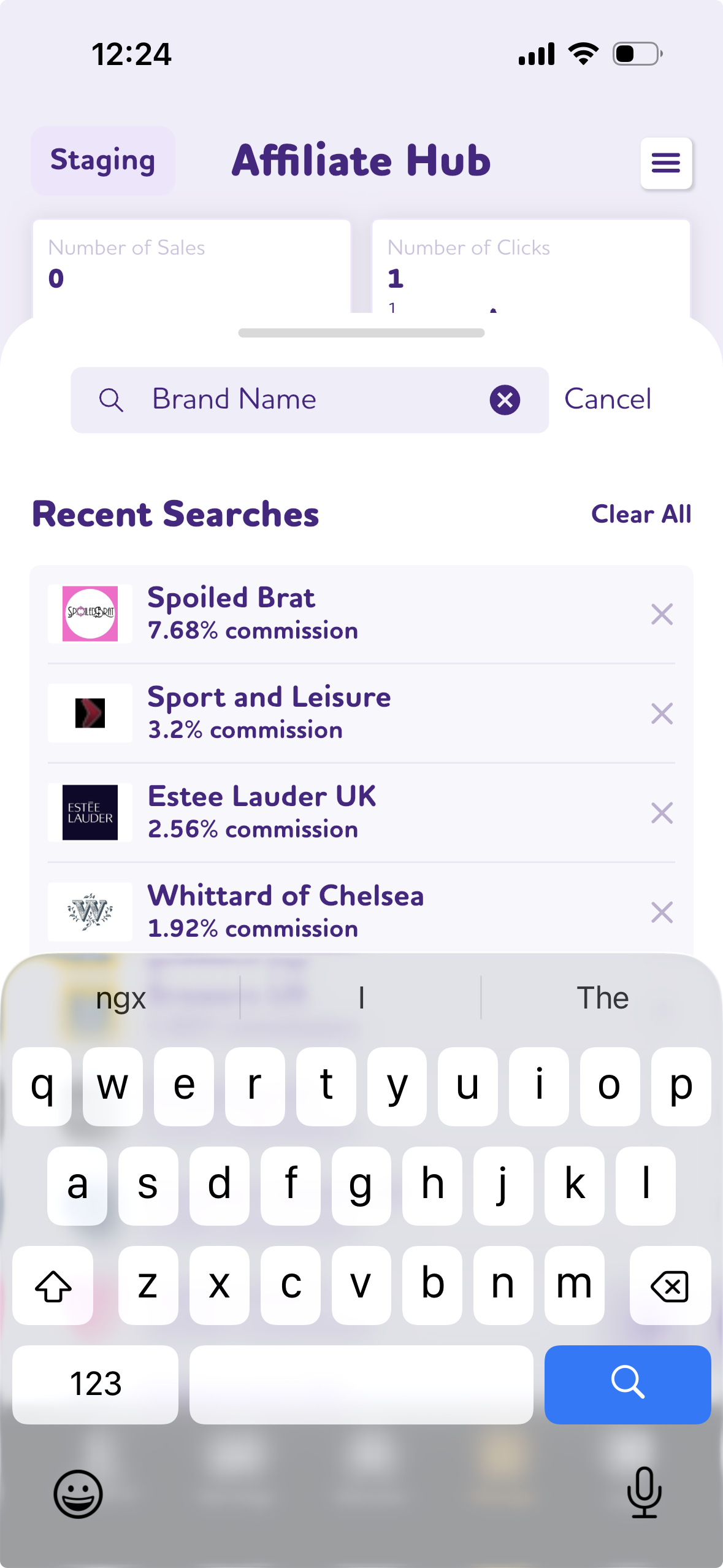
Finding the brands you want to work with for monetised links just got even easier. We have added Auto-Suggest when you type; and save your Recent Searches.
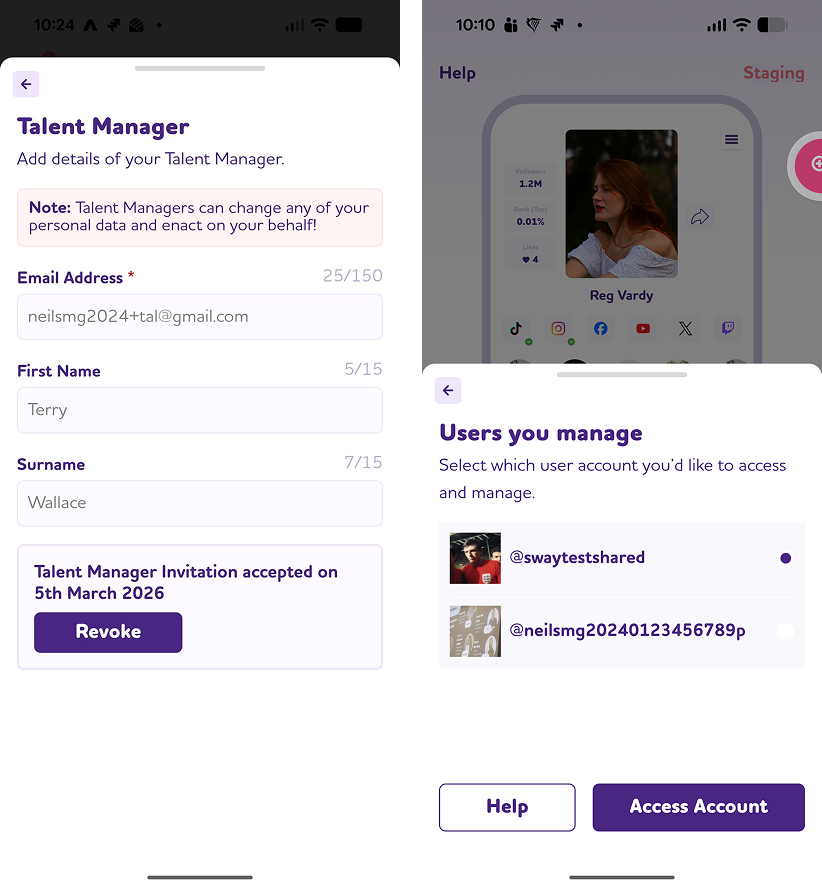
You can now add your Talent Manager’s details to your Sway Me Good account. This allows your Talent Manager to act on your behalf and apply for collaborations. They will also receive the same notifications as you. You can revoke their access at any time or update the details if you change managers.
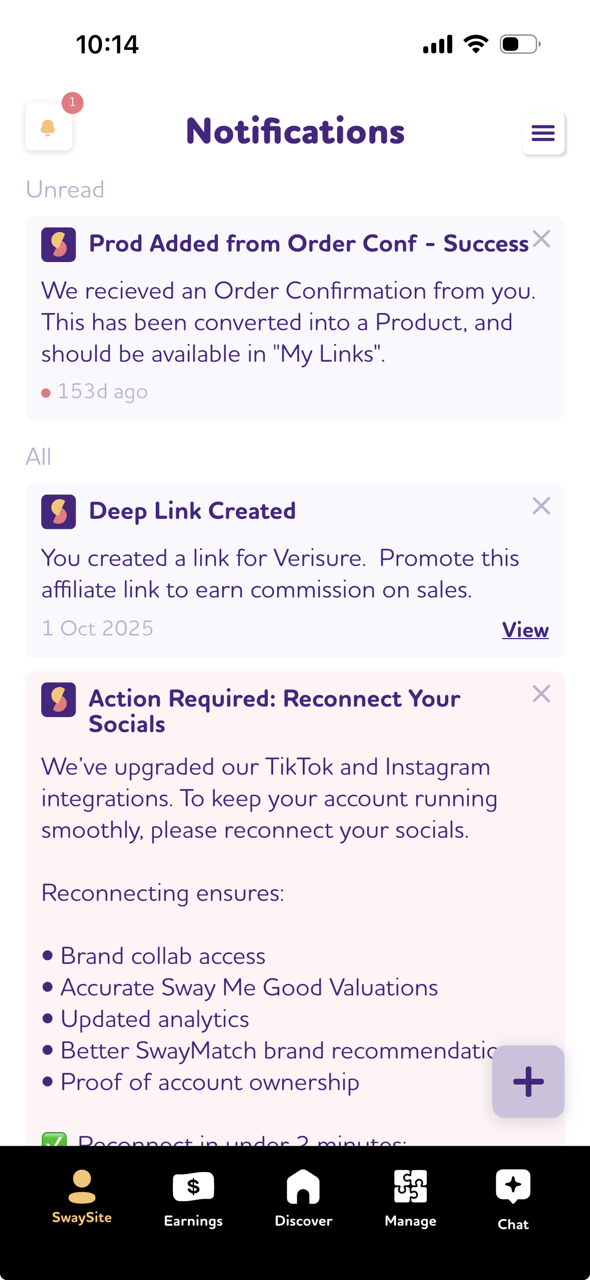
Additional notifications have been introduced at key stages of the collaboration process. These serve as reminders to help ensure important deadlines are not missed.
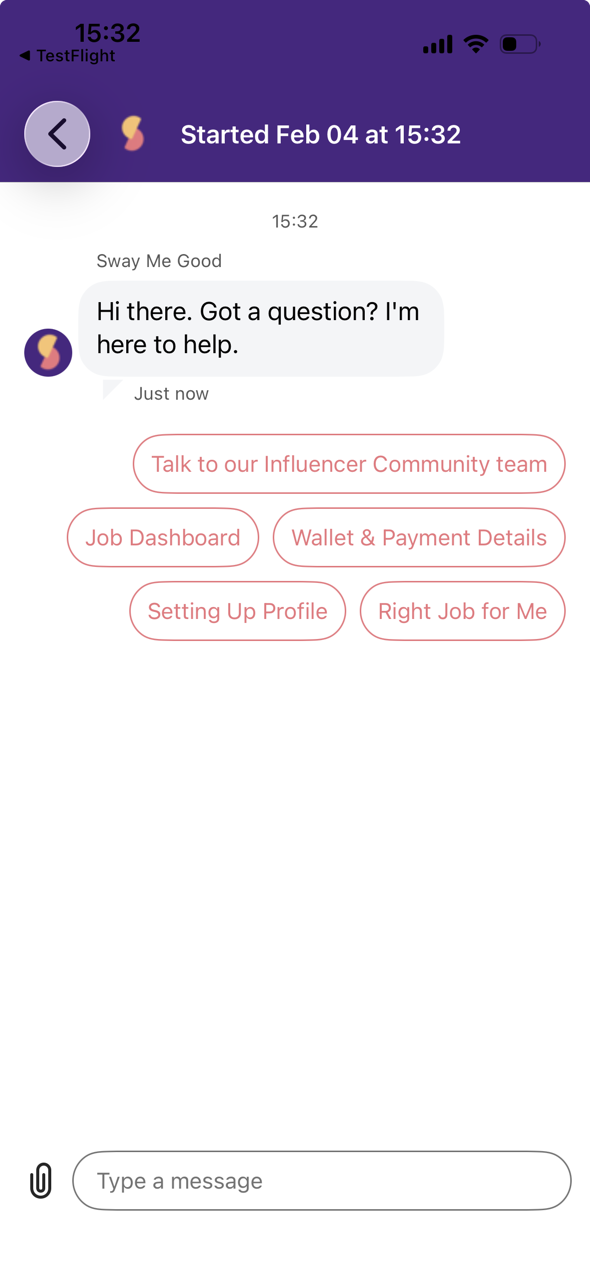
We’ve revamped Chat within the app so that you can now self-serve help information and articles; speak directly to a real-life expert; or simply make constructive suggestions. Chat now has its own primary navigation button to make it quicker and easier to access.
We have made changes to the way we spot and process your posts, so that you get paid quicker and more efficiently.
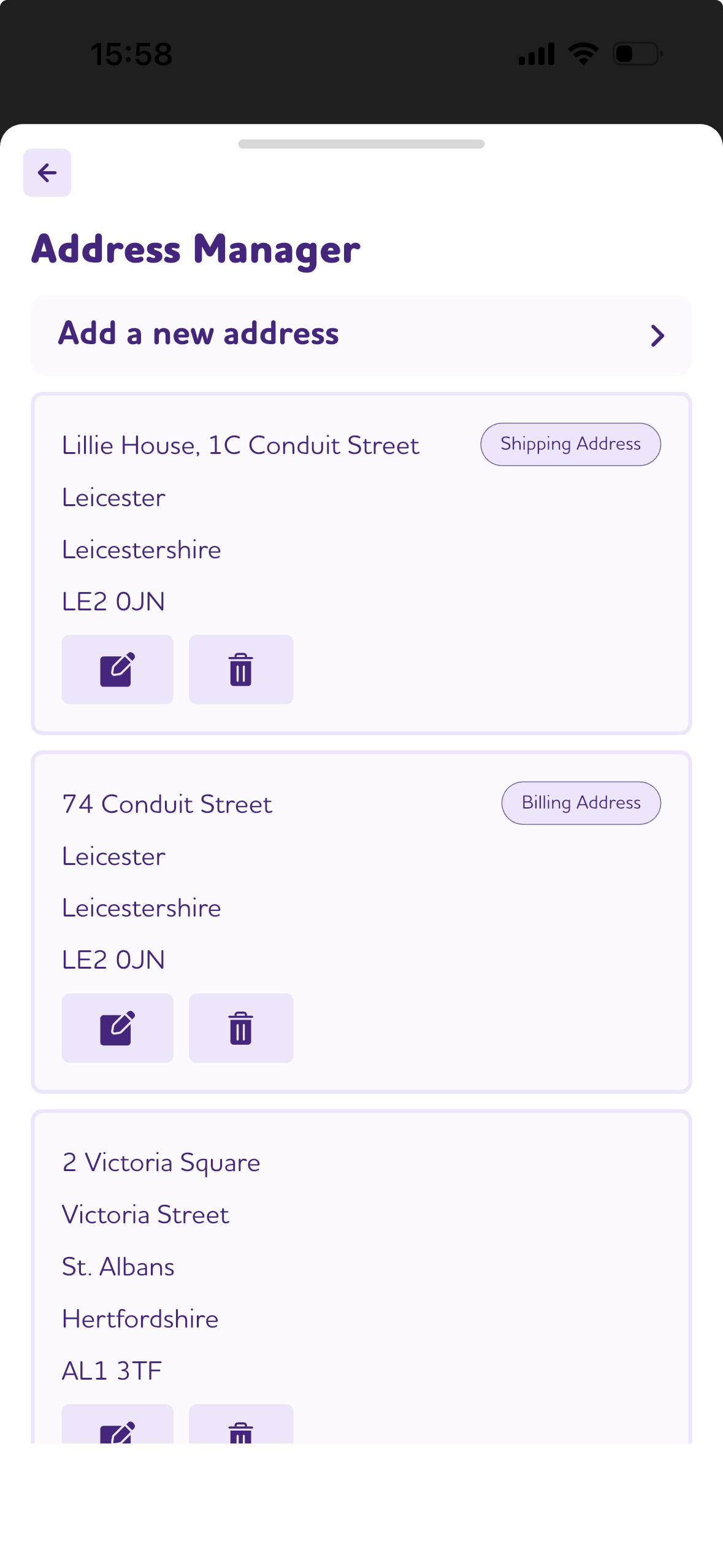
You can now list multiple addresses, for when you move from place to place; and set your default Shipping and Billing addresses.
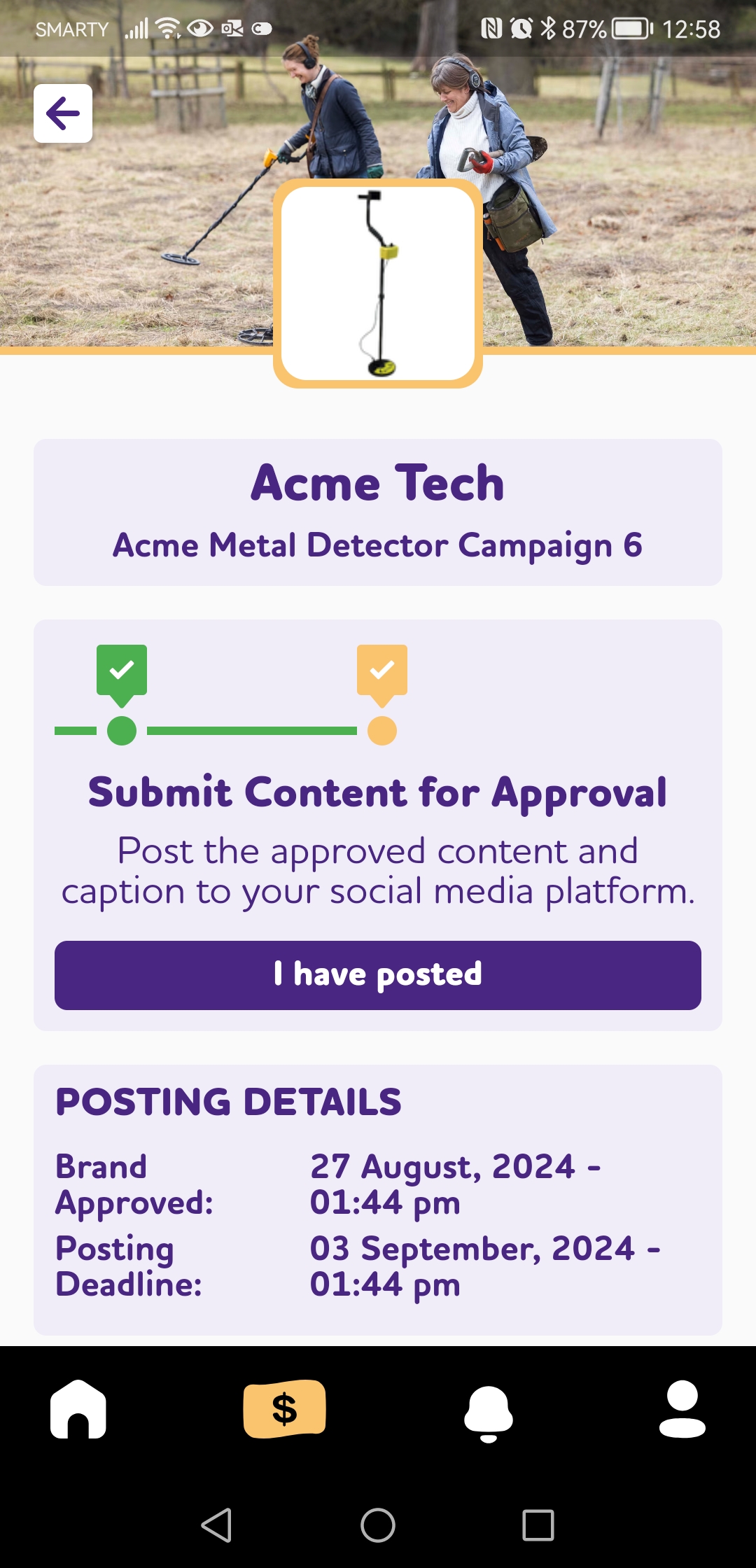
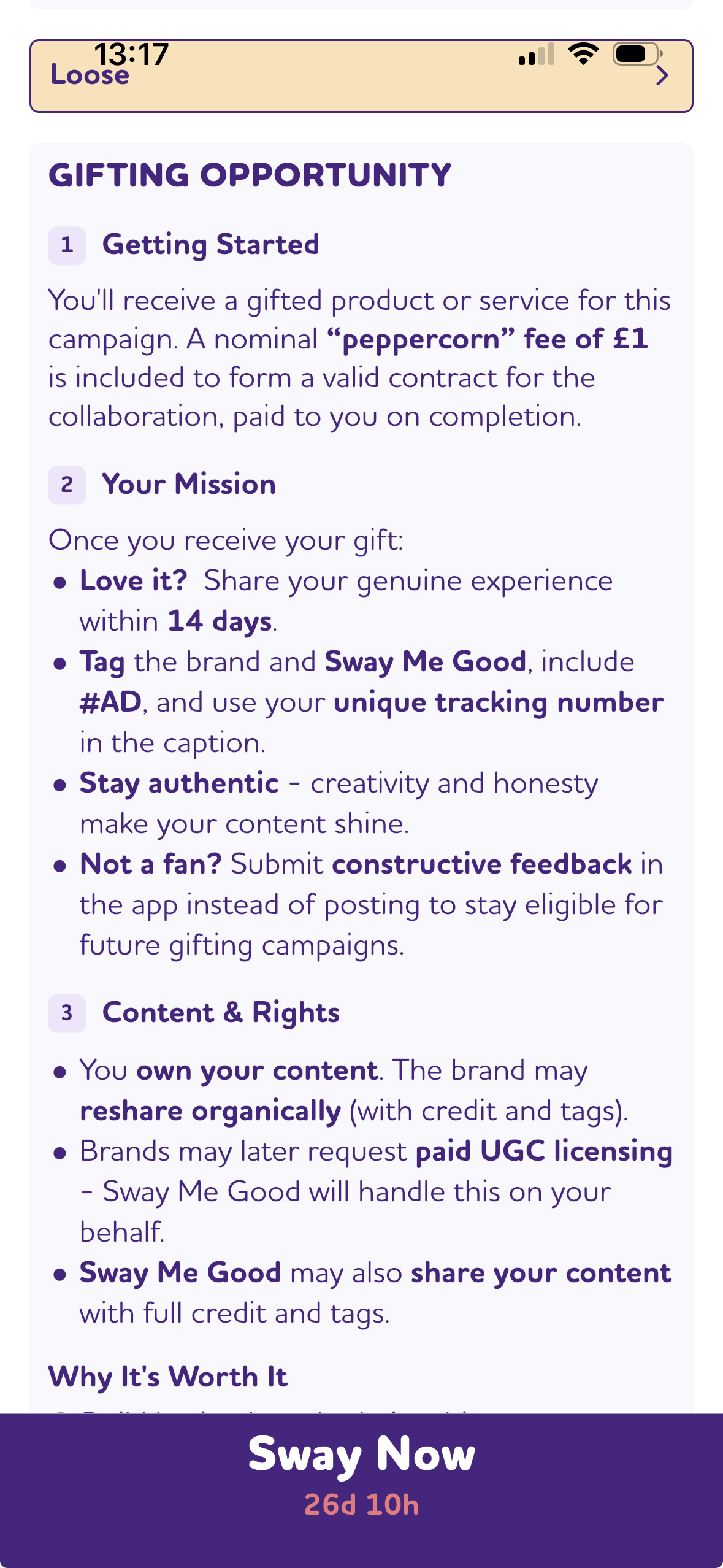
This release introduces Gifting campaigns. Build lasting brand relationships and get discovered through exposure and reposts. Enjoy free gifts and creative freedom and unlock UGC licensing for extra income.
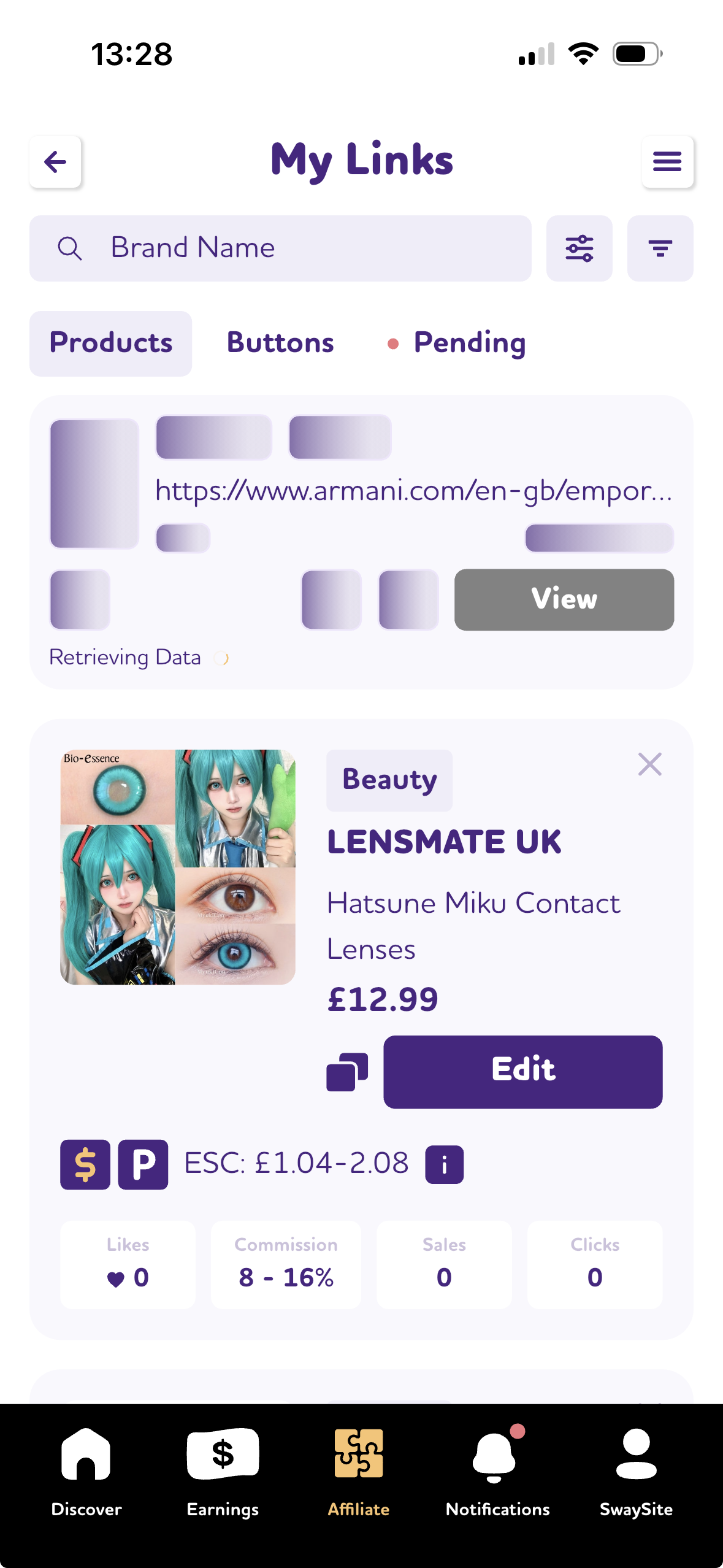
You can now see when a product you have added is processing, making it easier to understand which links you are promoting.
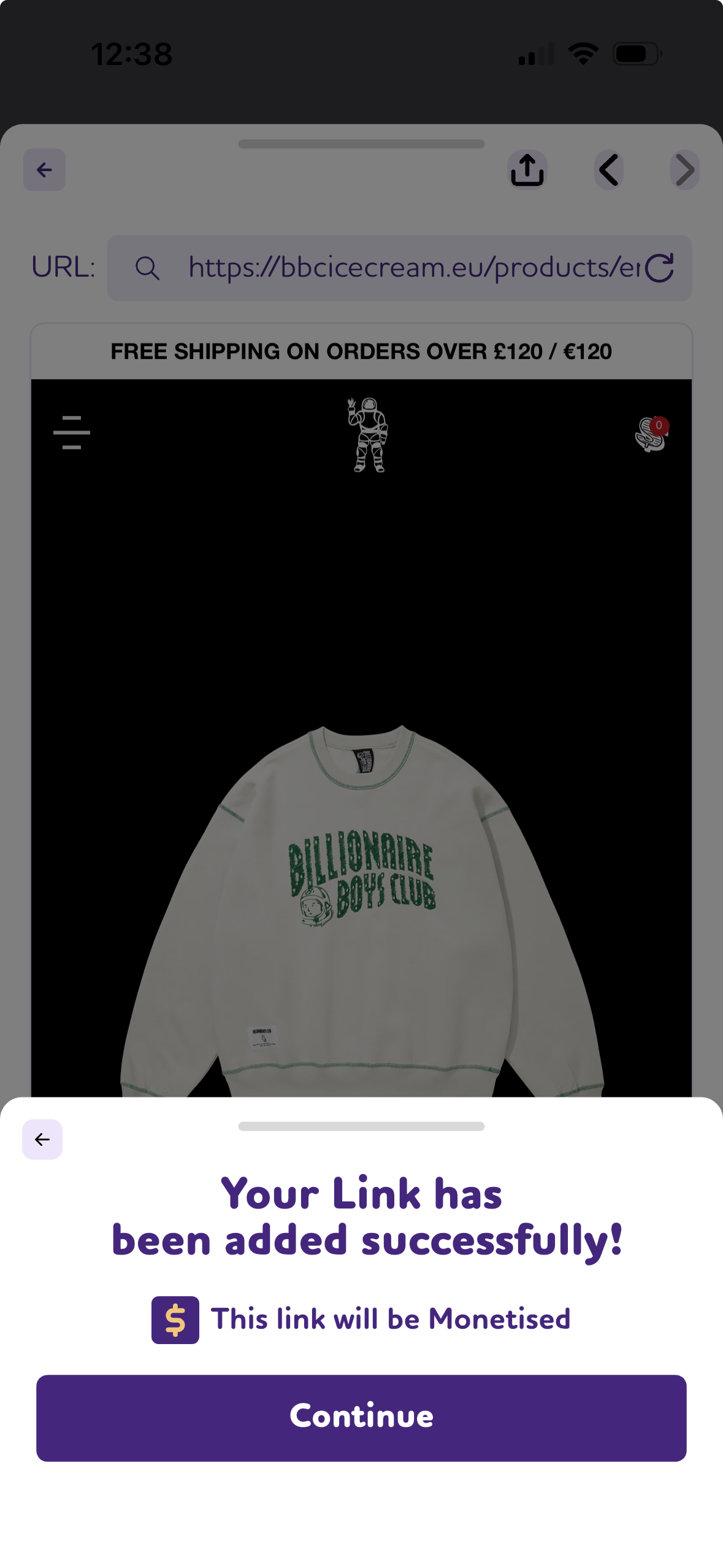
Auto-Add Products Details and Images straight from a browser or via email! We have included a browser to make choosing product links a doddle. Simply navigate to your favourite products, add them to your SwaySite, and we will monetise any we can.
Easily create links to any page across the web. When you choose products from our affiliate networks, you’ll earn a commission on any resulting sales. You also have full control over how your links appear and when they’re published.
Quickly add monetised Products and Buttons, then organise them into Posts – whether repurposed from social media or created from new. Your content remains always accessible for promotion, thanks to permanent URLs.
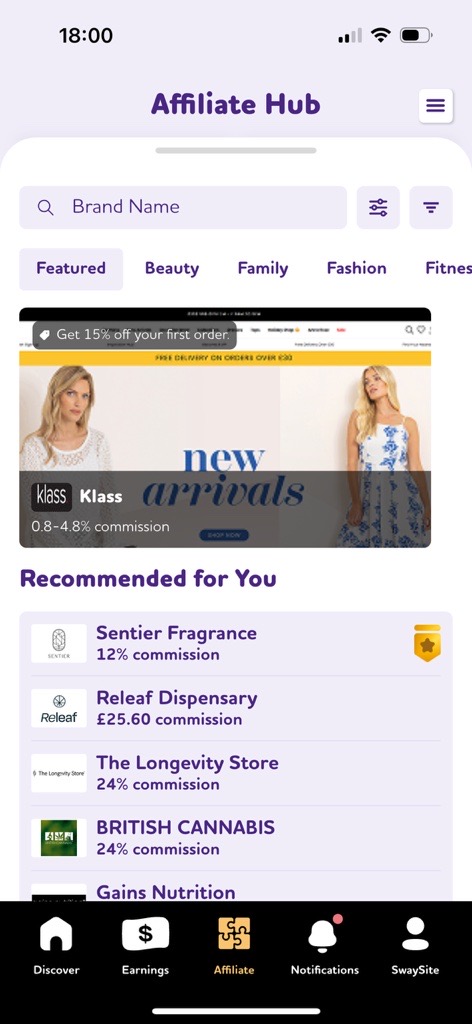
The Featured tab brings Featured Brands, Spotlights and recommendation highlights. You should also see AI-powered brand recommendations tailored to you.
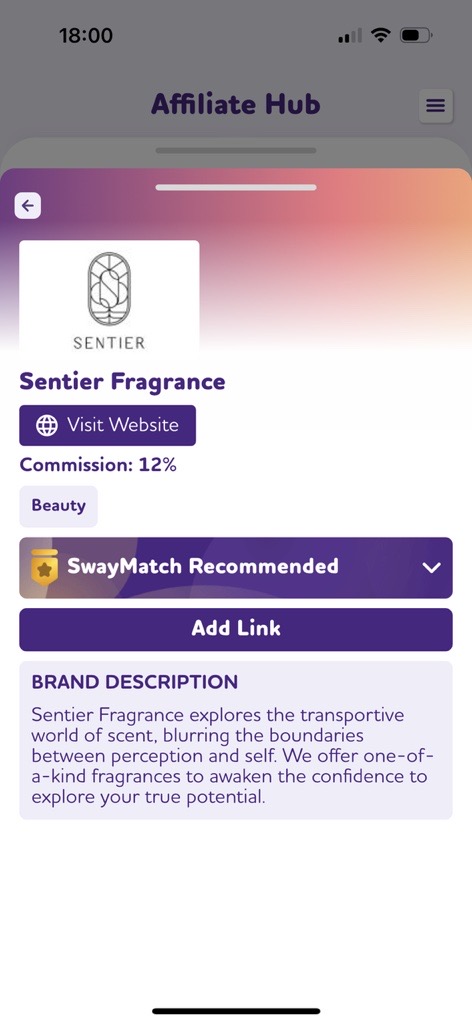
SwayMatch AI analyses social handles you have added to your account, to rate how well you align to brands in terms of authenticity. Recommended brands will appear on the Featured tab and on each brand’s product page.
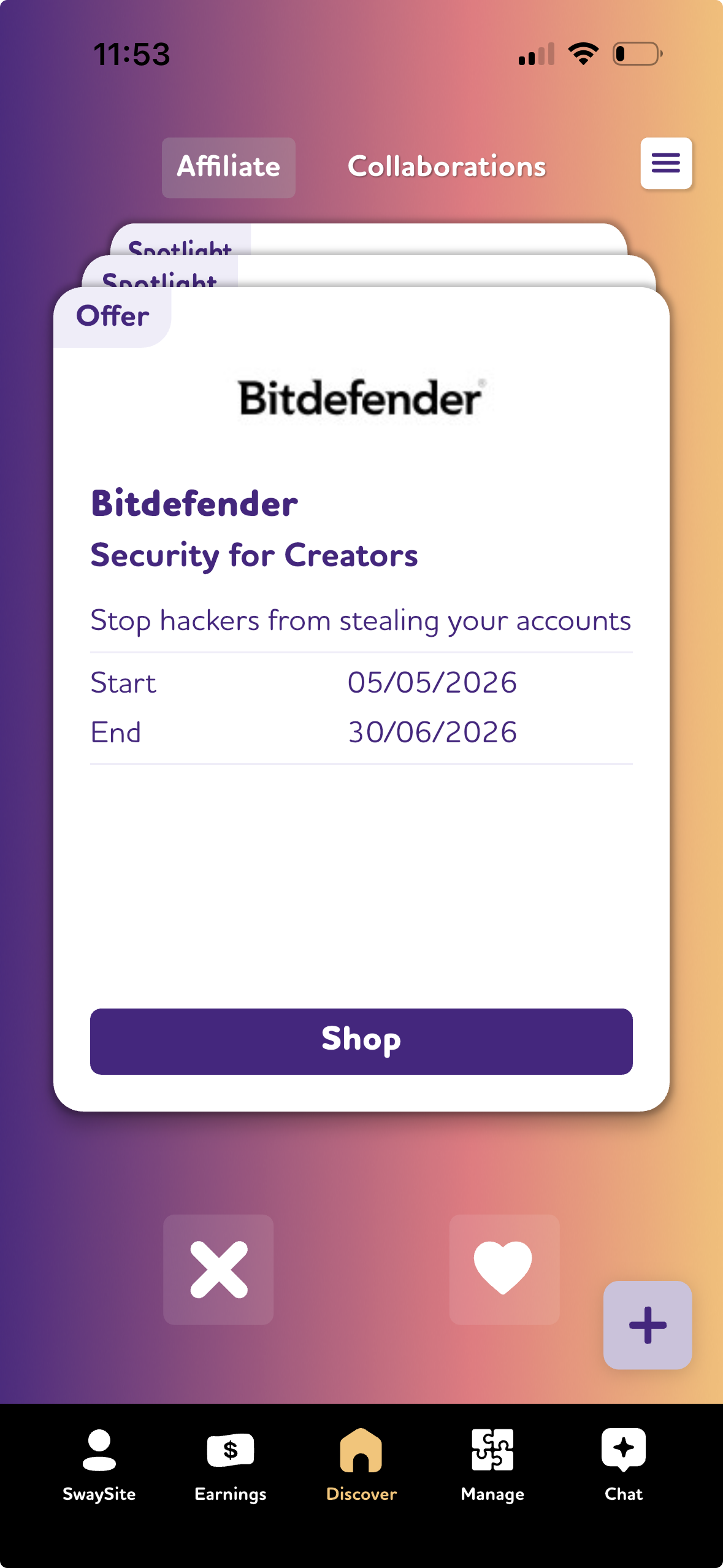
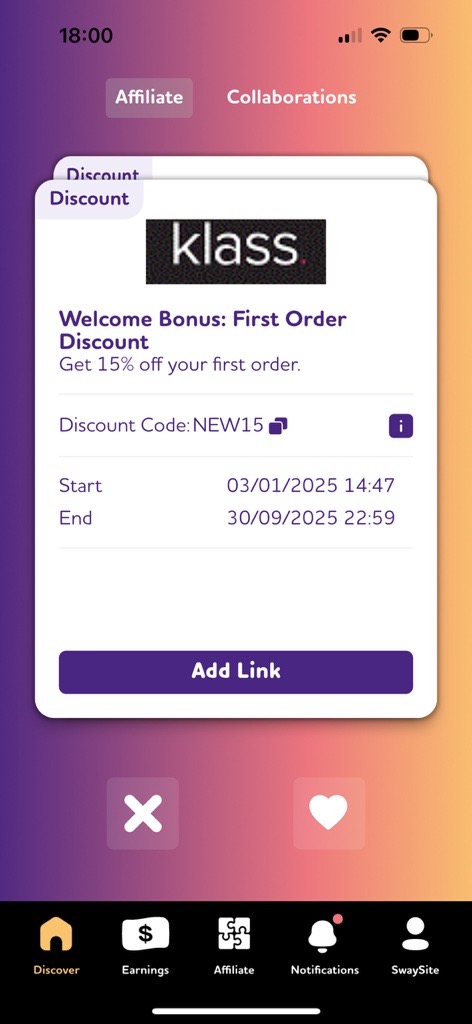
The Discover page now features Affiliate Offers. Swipe right to save an offer, swipe left to dismiss it, or tap to explore the brand’s product page and website. Add coupon codes to your promotions and earn commission.
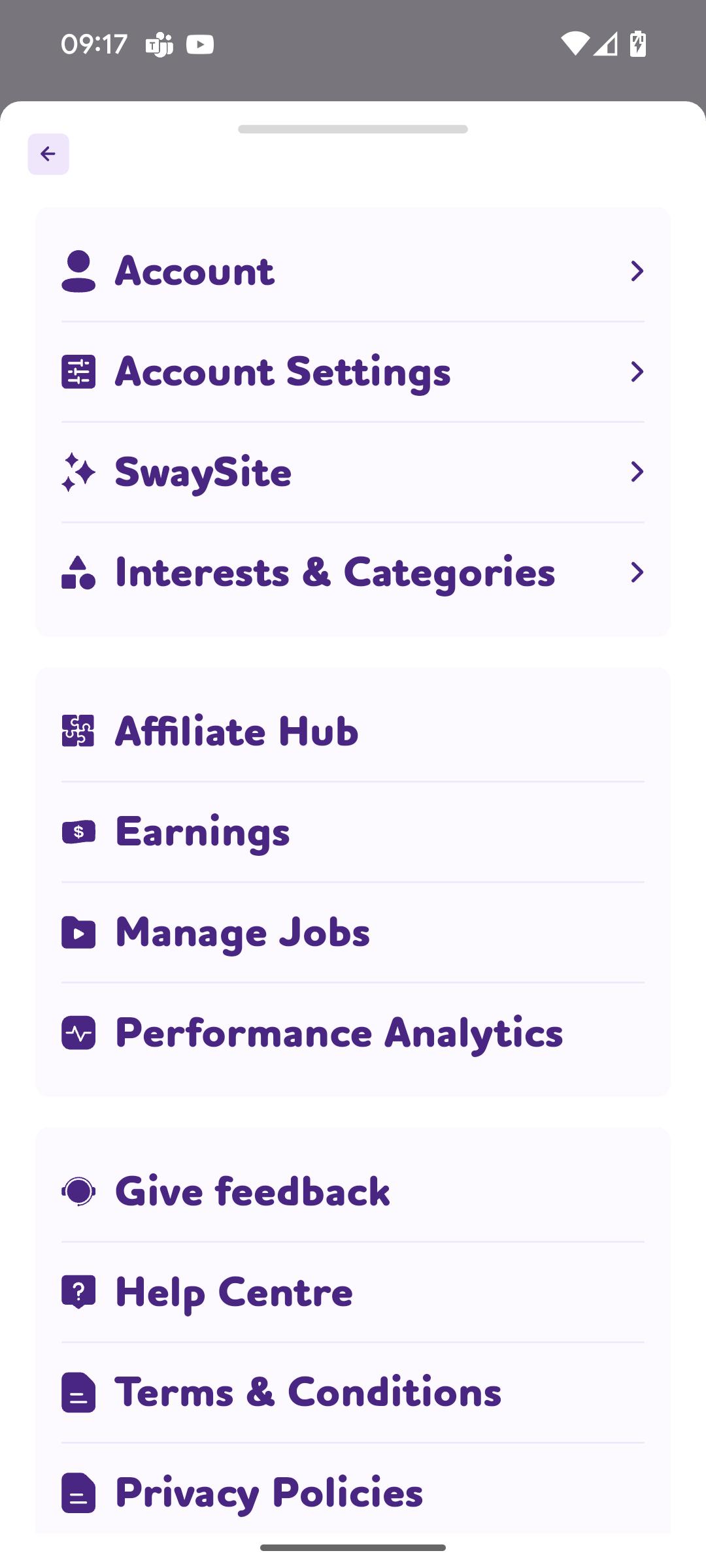
We’ve introduced a brand-new design for the burger menu, making it easier to access your settings and Sway Me Good account details. The menu is available on most pages, making app navigation a breeze.
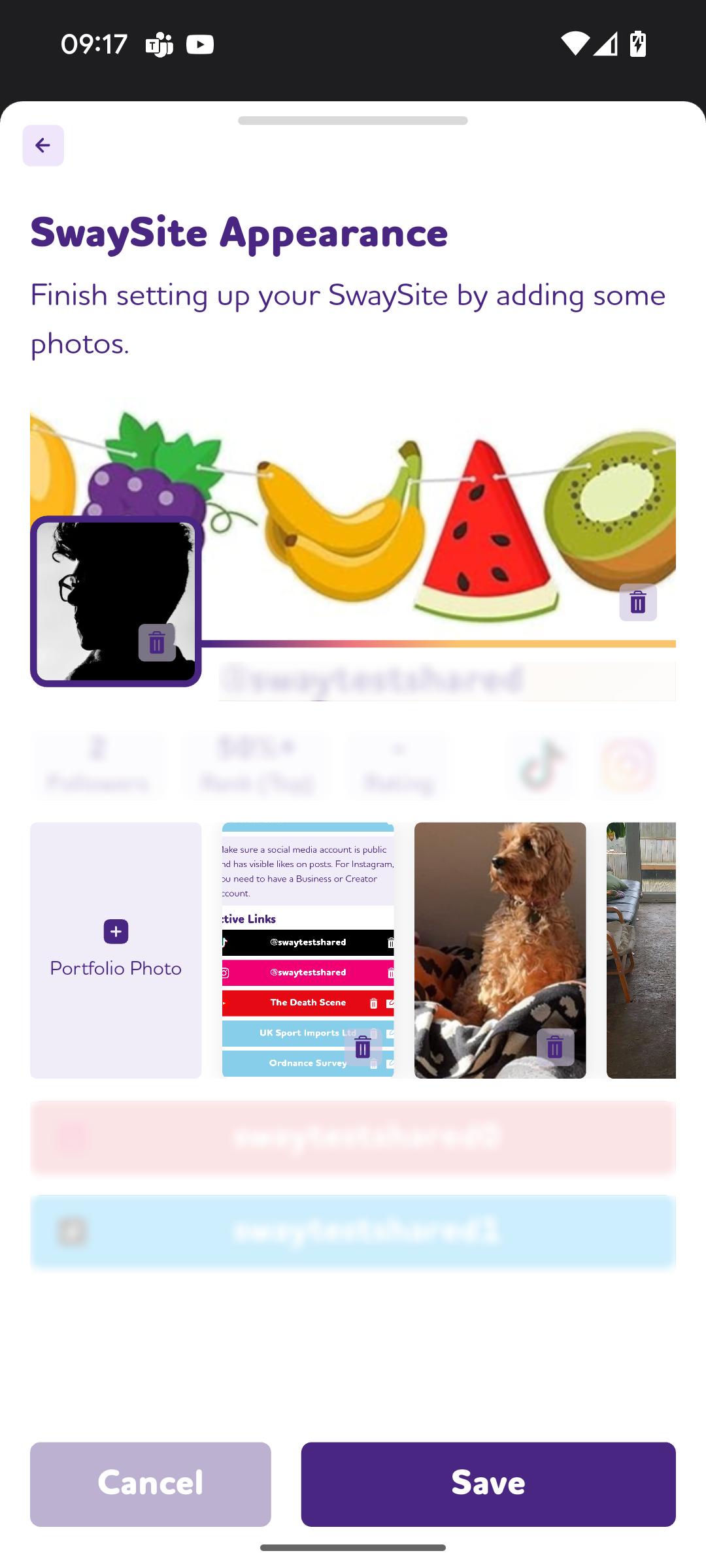
All of your regularly updated settings are now easy to view and access. From here, you can manage your public information and SwaySite content to enhance your social presence.
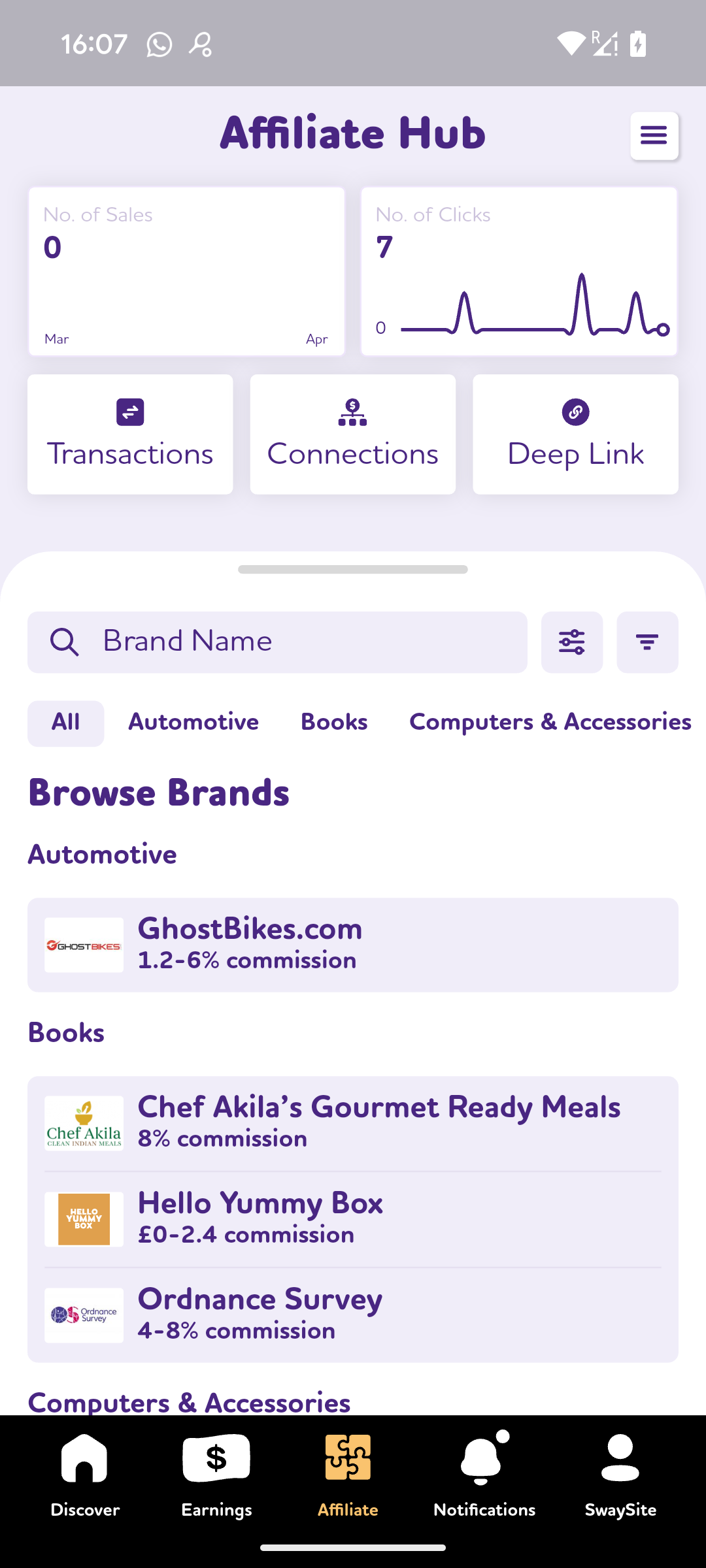
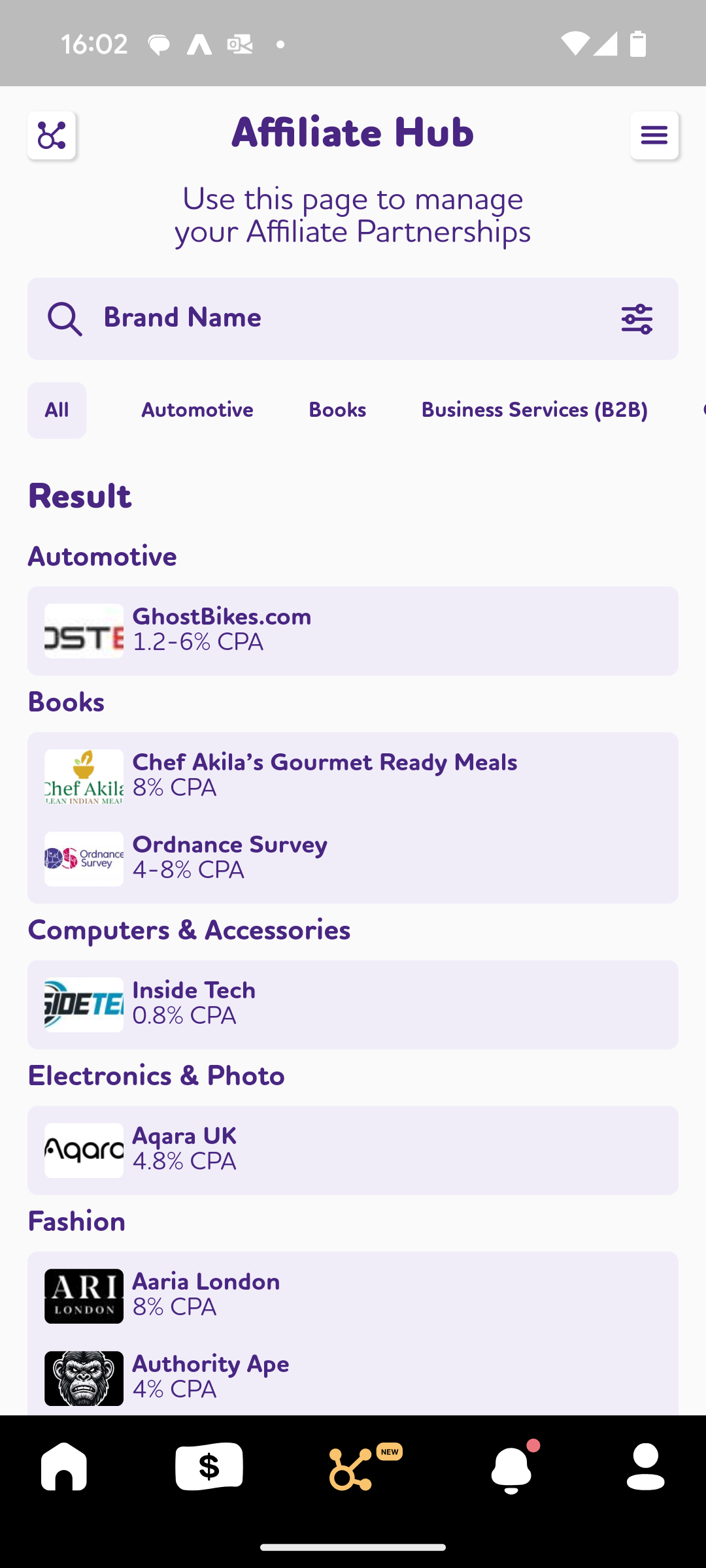
Based on your feedback, the Affiliate Hub has been redesigned to make the most common functions easier to access and simpler to understand.
We have added a section where you can learn and grow as an Influencer. In addition, you can see which courses you have completed and which you still have to do.
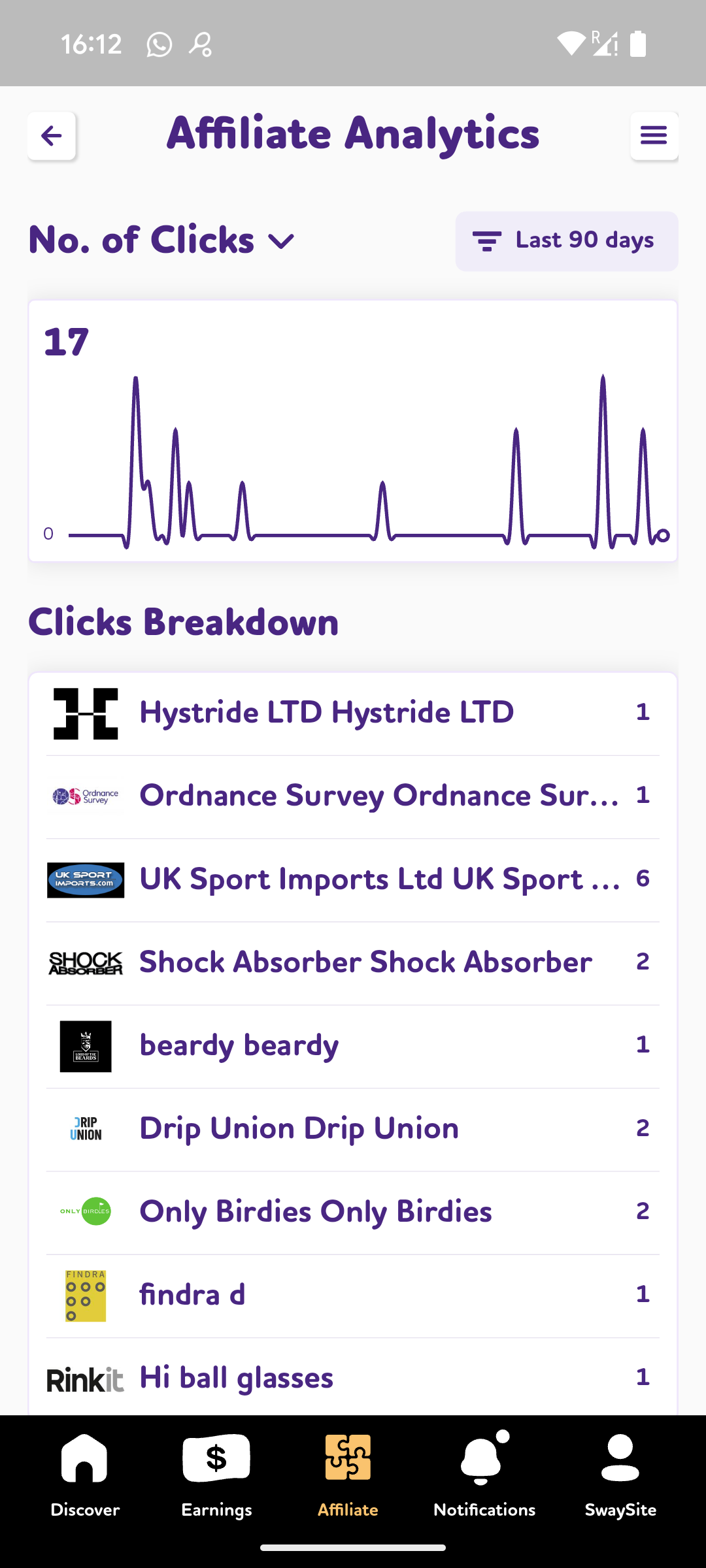
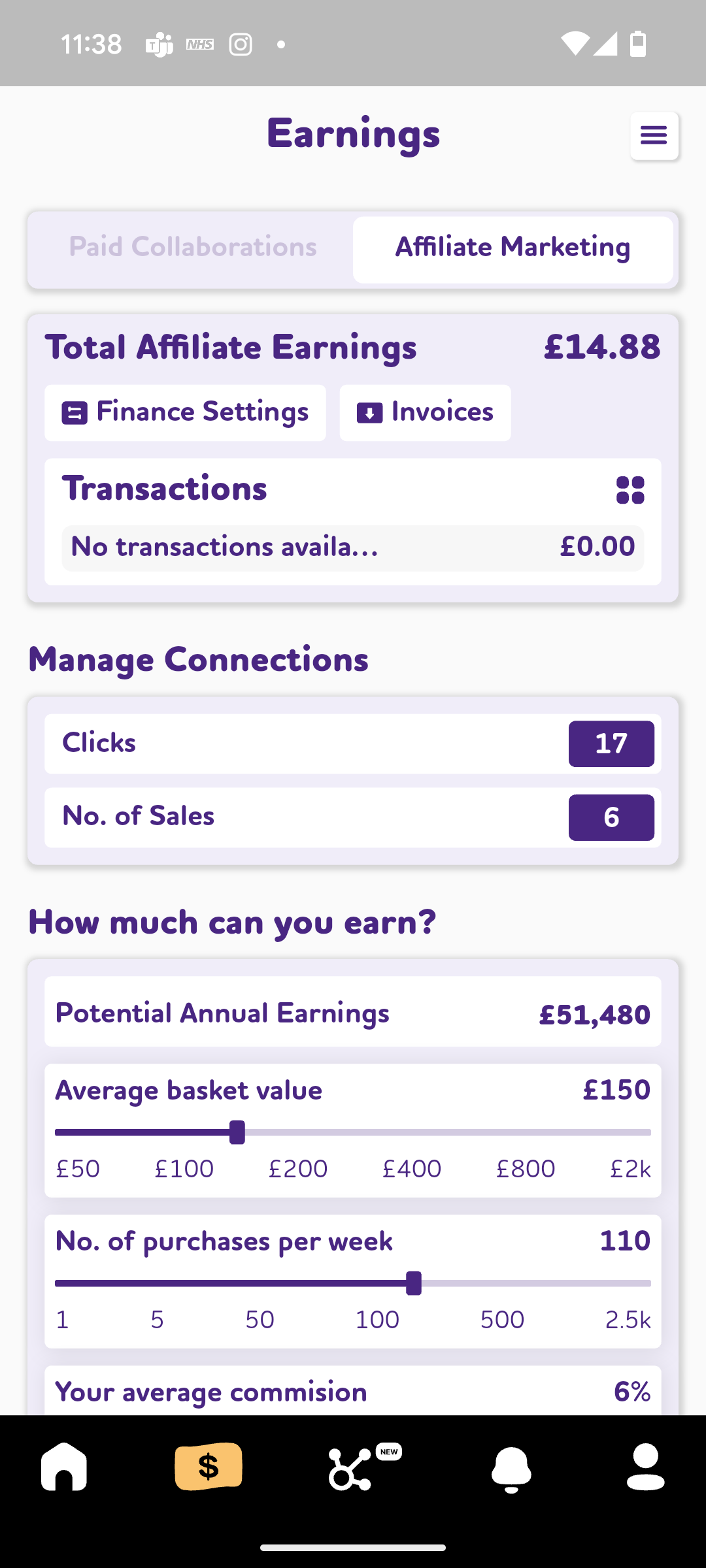
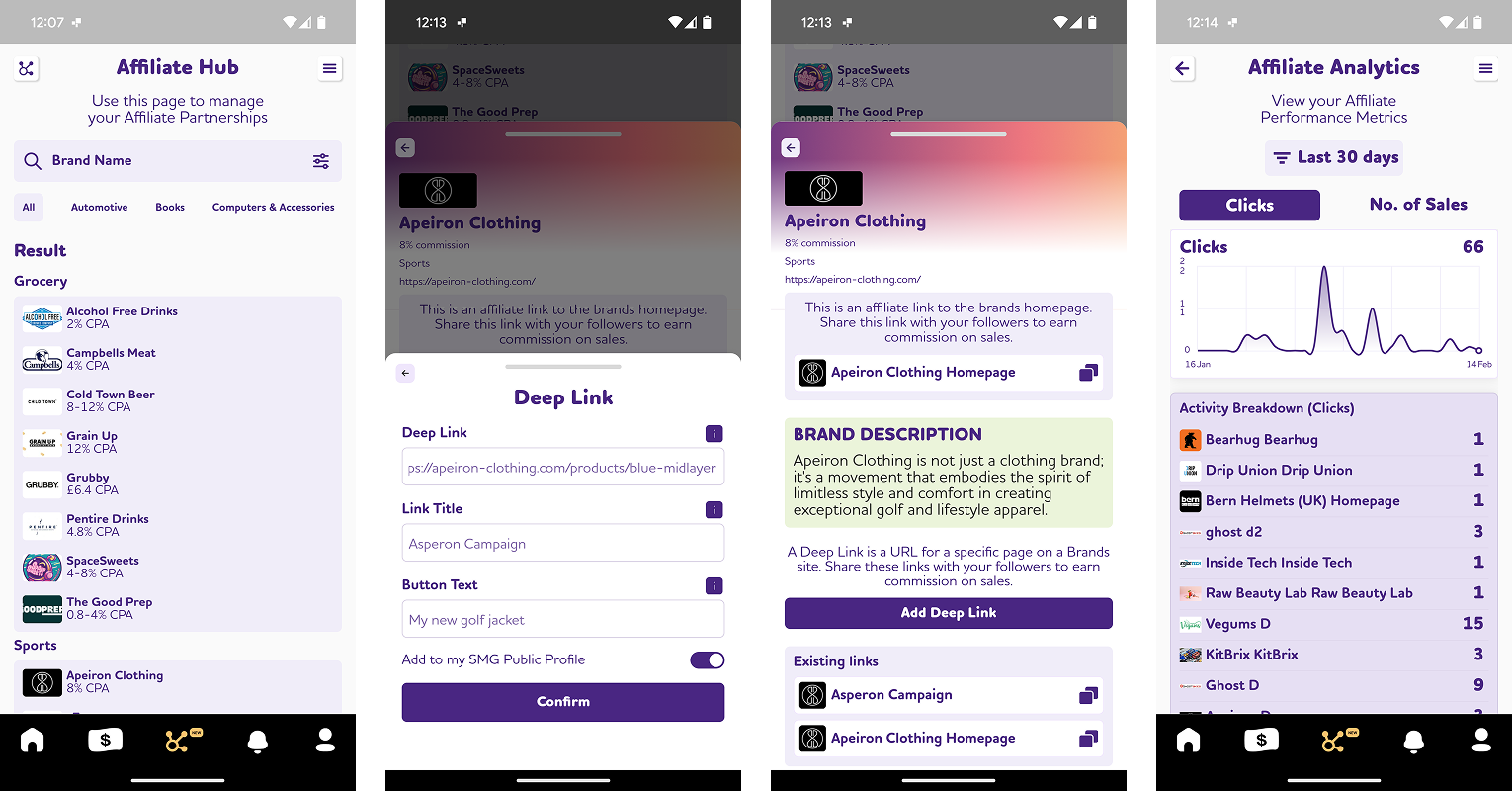
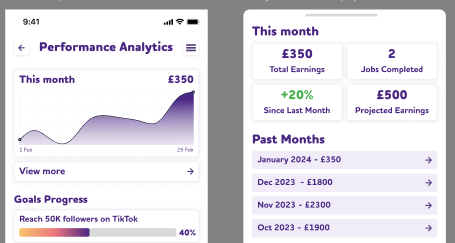
We have added an option for you to see your Analytics for Clicks and Sales for the past 3 months. This is intended to make your metrics even more useful.
We now have robust processes for getting users started, guiding people through the fundamentals for becoming a successful influencer.
You can now view all income and activity in the Earning page, bringing existing functionality together for faster access.
We have made many enhancements and improvements to the affiliate marketing functionality and processes, to make it even easier for you to create and manage lucrative income streams.
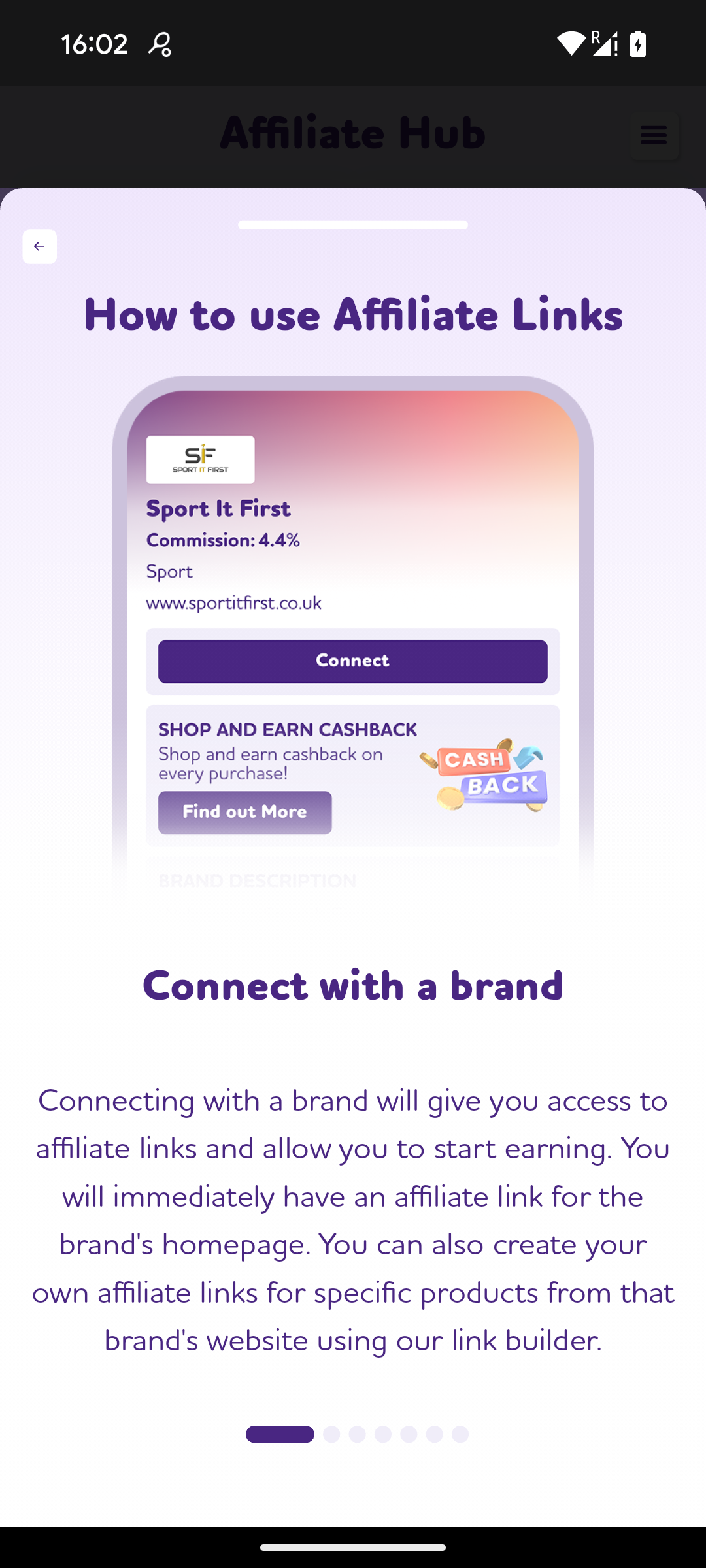
With the new Affiliate Hub functionality you can generate and share links to earn commission on every sale. In addition, you can browse and search brands to collaborate with; create deep links for products and collections; and view your affiliate links, analytics, clicks, sales, and transactions.
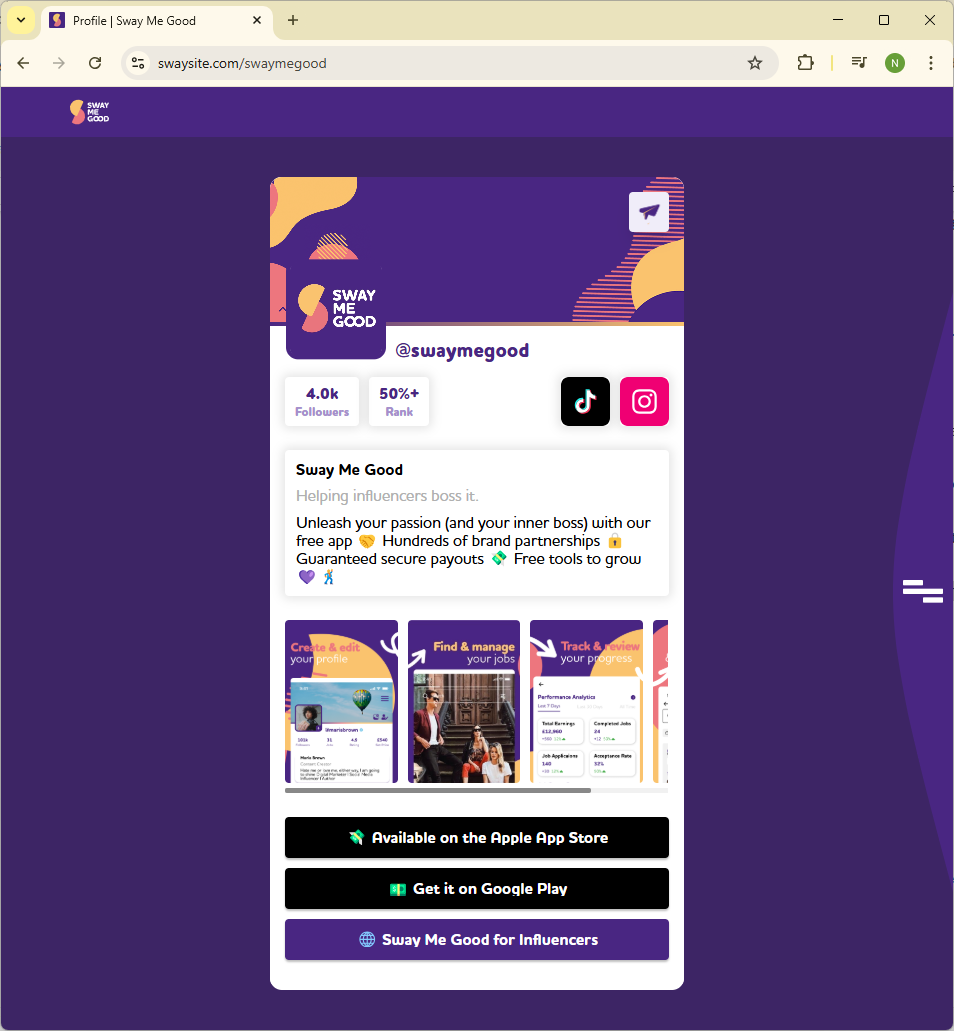
Share all your social accounts, favourite products, affiliate links and offers with your free SwaySite. This is your link in bio public profile on the web. You public website is at swaysite.com/[username] (eg. https://swaysite.com/swaymegood).
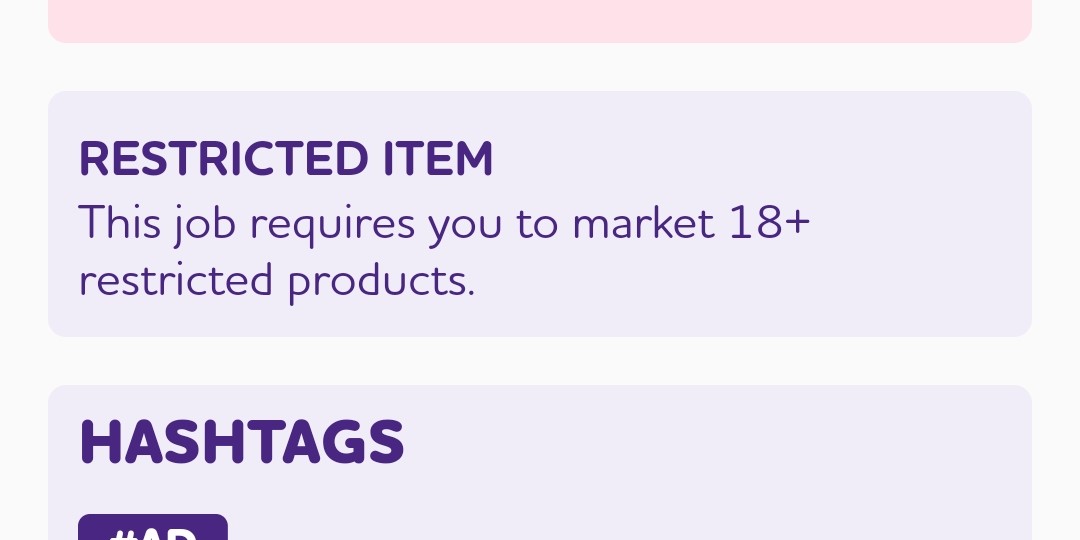
Brands can now set products as Age Restricted. This can be for adult orientated reasons, or for specifying a particular age restriction. You will see this in the campaign details and will be asked to agree to this.
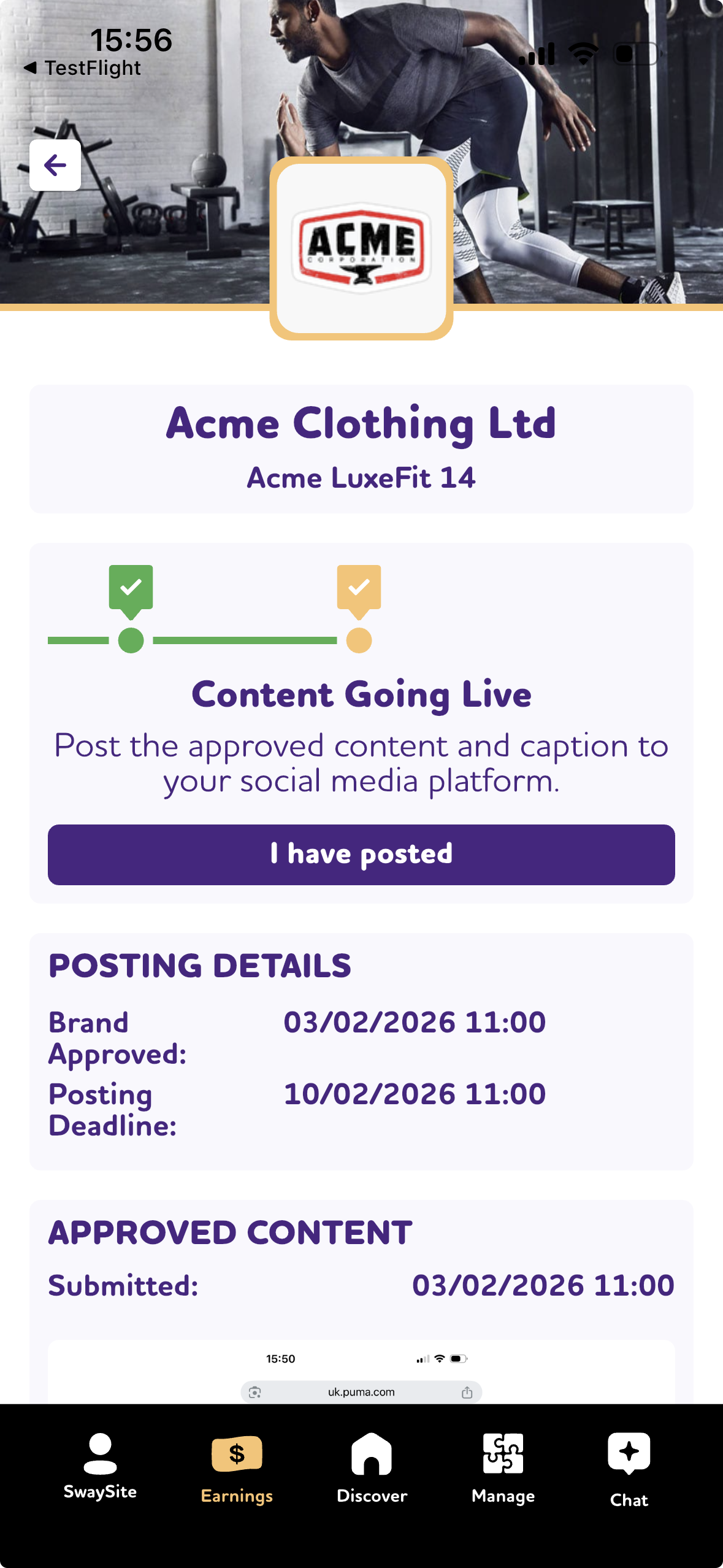
We have redesigned the journey for influencers after they have been accepted, so they can better see what has happened; and what they are expected to do. Creatives can now step back and see the comments and suggestions added previously.
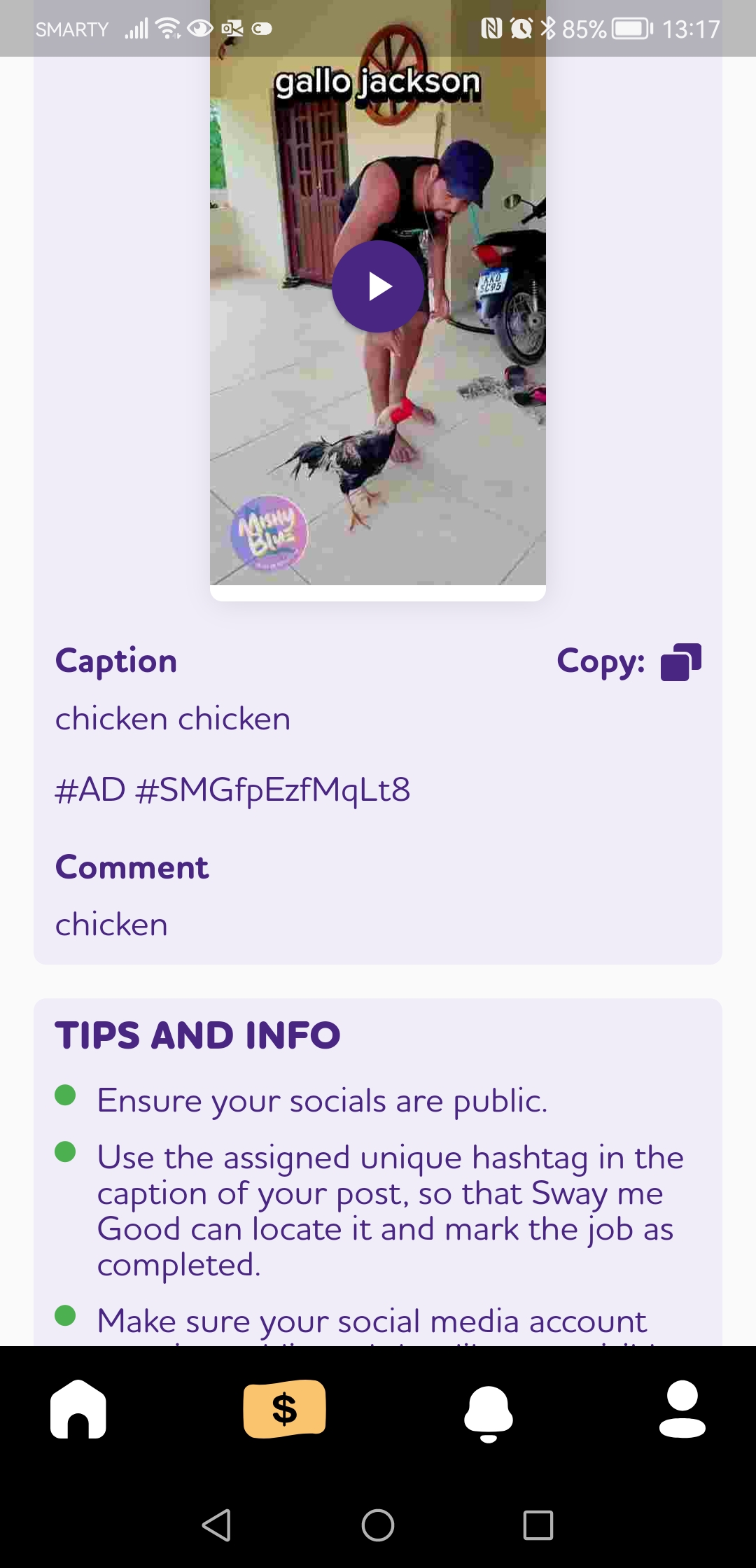
We now automatically append the “assigned unique hashtag” to each post, and allows Influencers to copy and paste when posting to social media. This is to reduce the chance of this being missed, so that we can provide meaningful post analytics.
We have updated the Analytics and metrics within the app, to give influencers a good view of their performance over time.