
When coordinating a group effort for influencer discovery or campaign management, smooth teamwork and clear boundaries are essential. It’s also important to be able to tag colleagues and get their eyes on a potential influencer or make sure that the video they have put together is clean and clear. We think that any team should be able to run multiple influencer campaigns concurrently without having to hire two or three people just to take the lead on them. A big part of that is sharing the responsibilities and tasks involved with the existing team members you have and to do that, you need a platform that enables collaboration.
If you’re working on the Sway Me Good platform, you’ll find it’s designed to make adding team members, controlling their access, and managing collaborations seamless, all while protecting sensitive data. Here’s how to set up your team for maximum efficiency.
Sending a quick invite to anyone on your team who’ll be working on influencer management, strategy, or reporting, allows you to add them. This will make the process of selecting influencers, and reviewing and approving their content a lot smoother. It will also mean that when one team member is off, another can cover them with their access point to the platform.
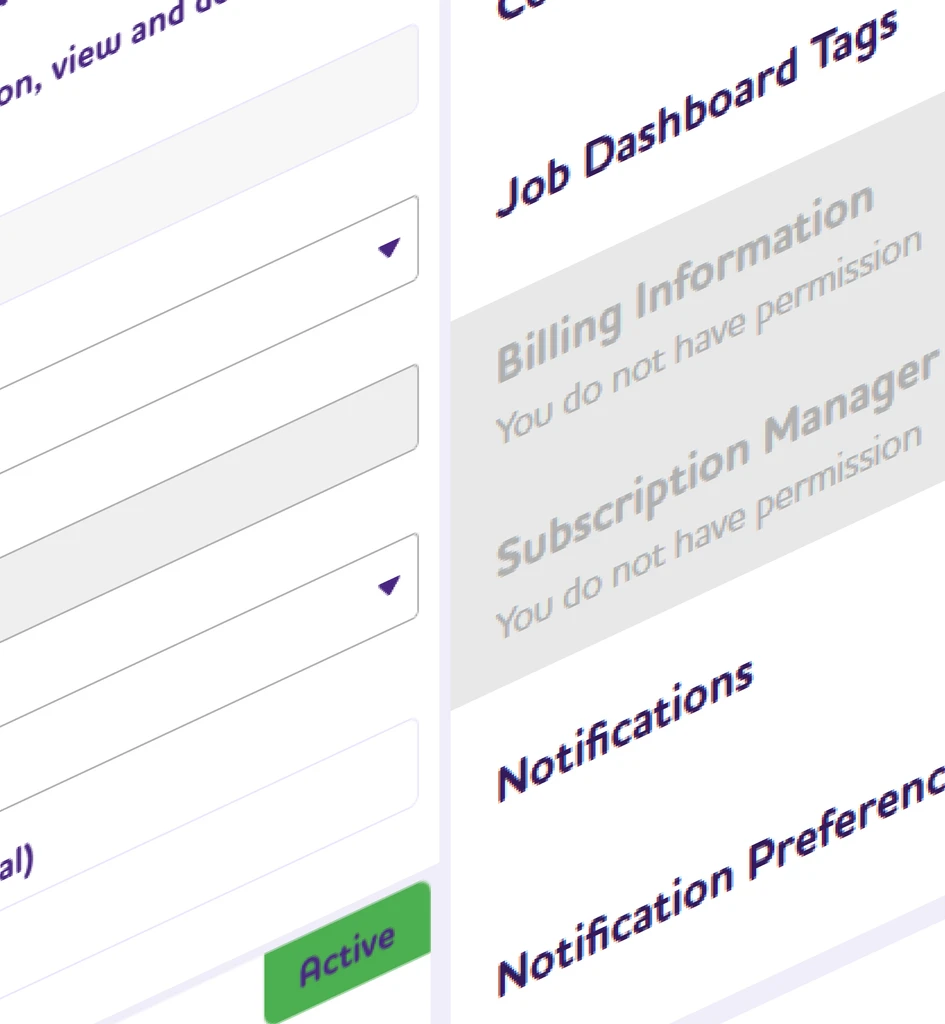
Not everyone needs to see the same parts of your Sway Me Good account, which is where Permission Roles come in. Think of these roles as guardrails, helping each person stay in their lane. This makes workflows smoother and keeps the more sensitive sections – like billing and account settings – off-limits to anyone who doesn’t need them.
Here’s a breakdown of the available roles:
-
Owner: This is the user who set up the Sway Me Good account, with access to everything from billing to campaign management. You can transfer the owner role if needed.
-
Manager: Managers can handle most tasks but won’t be able to see or change billing information, making this role perfect for senior team members who need comprehensive but secure access.
-
Assistant: Assistants have limited access. They can work on campaigns and handle operational tasks, but they won’t be able to see or change any company configurations. This role works well for new team members who don’t need to configure settings.
When you invite someone, it’s easy to see if they’ve joined the platform yet. Every pending invitation shows up in the ‘Company Users’ section, and you’ll see a status update once they’ve accepted. If someone hasn’t joined after a few days, you can easily resend the invite or make edits to the invite details. Once they’re in, you’re all set, but you still have control over their access if you ever need to make a change.
As your team grows, you might need to tweak who has access to what. Sway Me Good makes this simple. From editing permissions to archiving accounts, you can easily manage each user’s status and keep your team structure current.
Here’s what you can do with user accounts:
-
Update details: If someone’s email changes or you want to adjust their name in the system, no problem—just make the edit in Company Configuration.
-
Modify permissions: If someone’s role changes, you can update their Permission Role with a few clicks. For example, if an Assistant takes on more responsibility, you can upgrade them to a Manager.
-
Deactivate or Archive: For users who are temporarily on leave, you can set them to inactive. If someone has left the team, you can archive their account to remove them from the active view but keep the history intact.
If the account owner role needs to shift to a new person, this can be handled in Company Configuration/Company Users as well. Transferring ownership gives another user full access to all parts of the account, including billing and configurations, so make sure it goes to someone who needs comprehensive control.
Sway Me Good is built to make teamwork easier, so you can focus more on your campaigns and less on admin tasks. With an intuitive setup for inviting users, assigning roles, and managing accounts, you’ll have the flexibility to grow your team or bring in partners while keeping sensitive information secure.
Getting these foundations right doesn’t just help with day-to-day workflow; it’s essential for building a data-secure and well-structured approach to influencer marketing. As you add new campaigns or scale up, Sway Me Good will scale with you, keeping your team organised, your data safe, and your projects running smoothly.